

USB-C to Mini DisplayPort Adapter 4K@60Hz - Silver
About this item
Pairs well with
SAME DAY SHIPPING order by 11 AM (EST)
Free Shipping Orders Over $50
Technical Support
30 Days Return
1-Year Warranty
USB-C to Mini DisplayPort Adapter 4K@60Hz - Silver
Product details
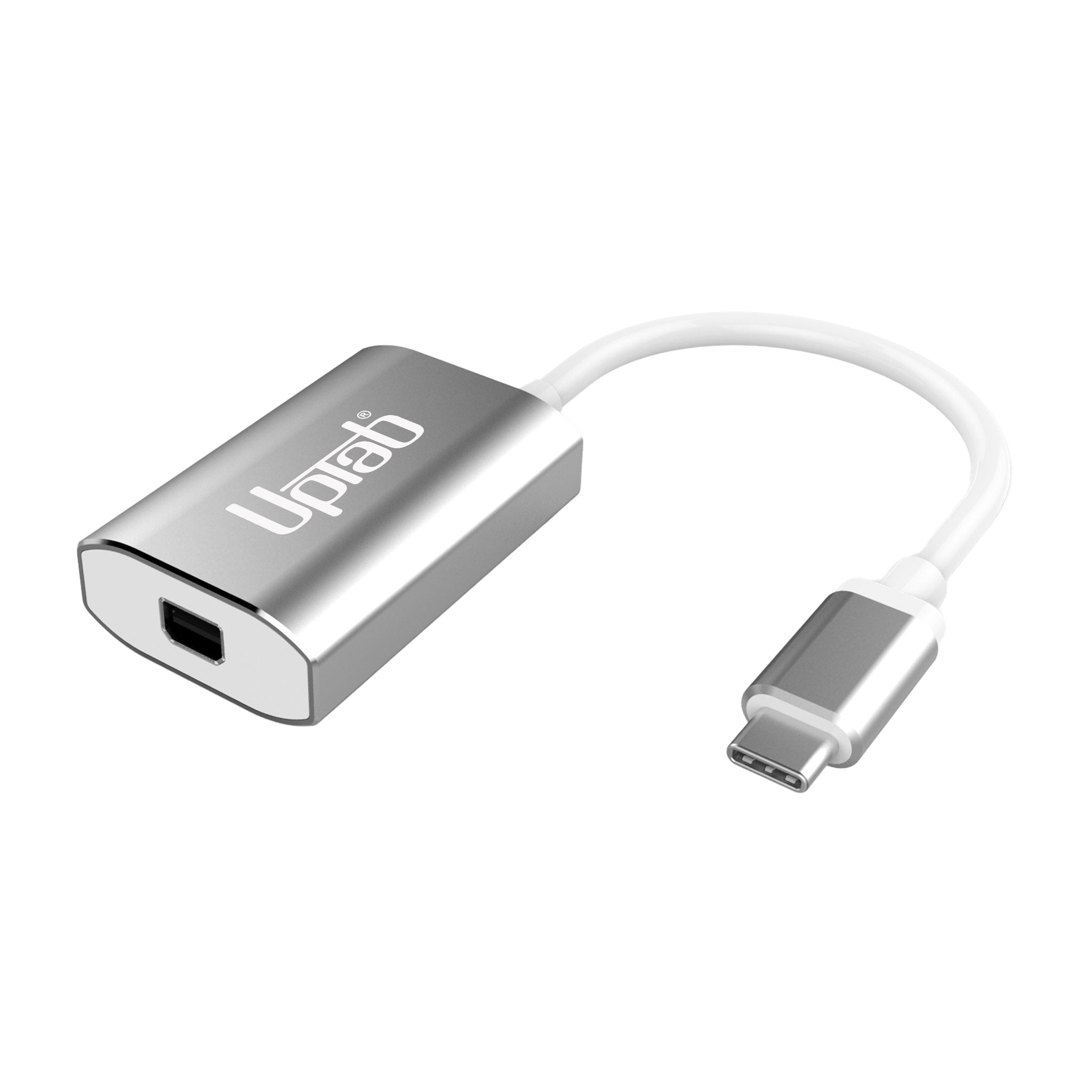
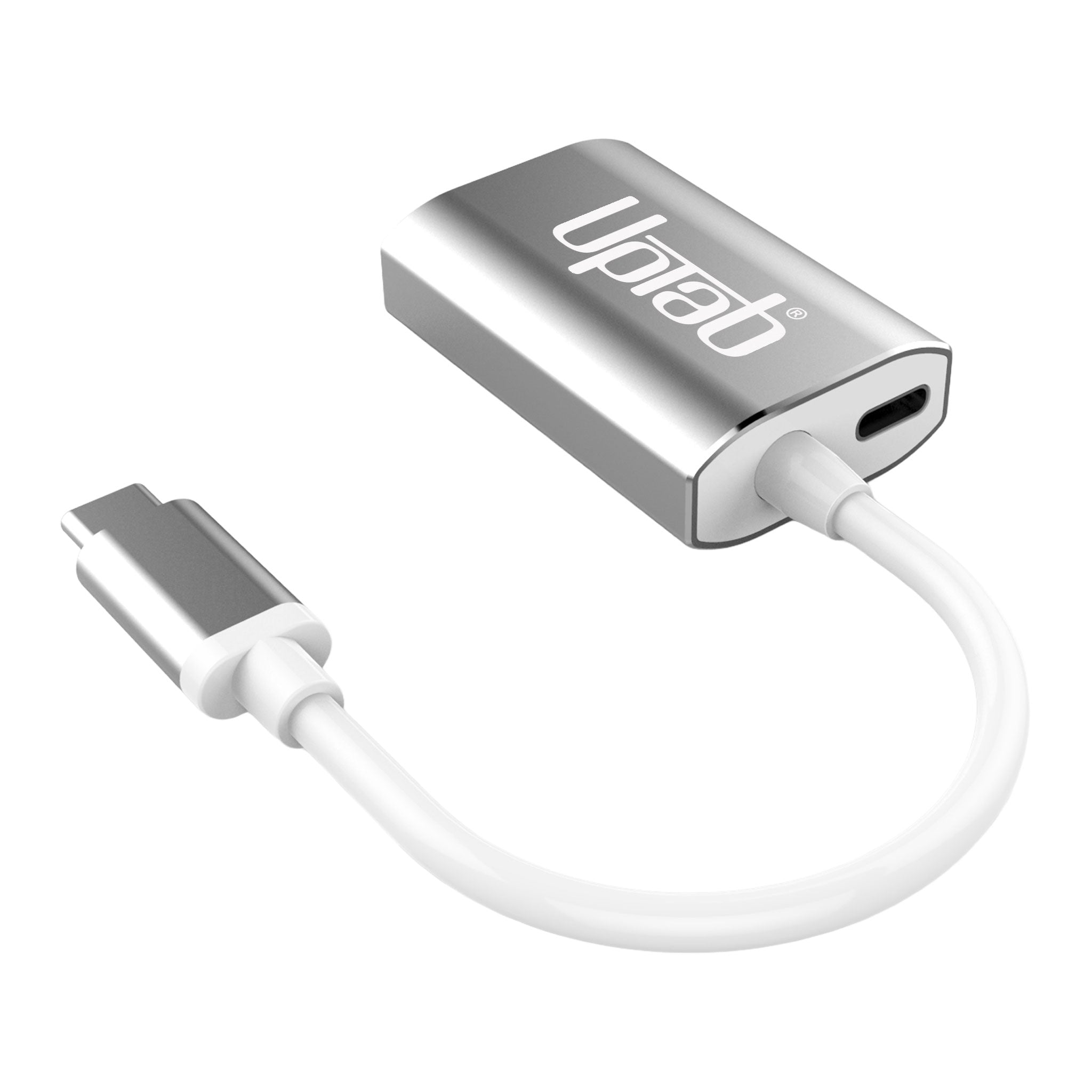
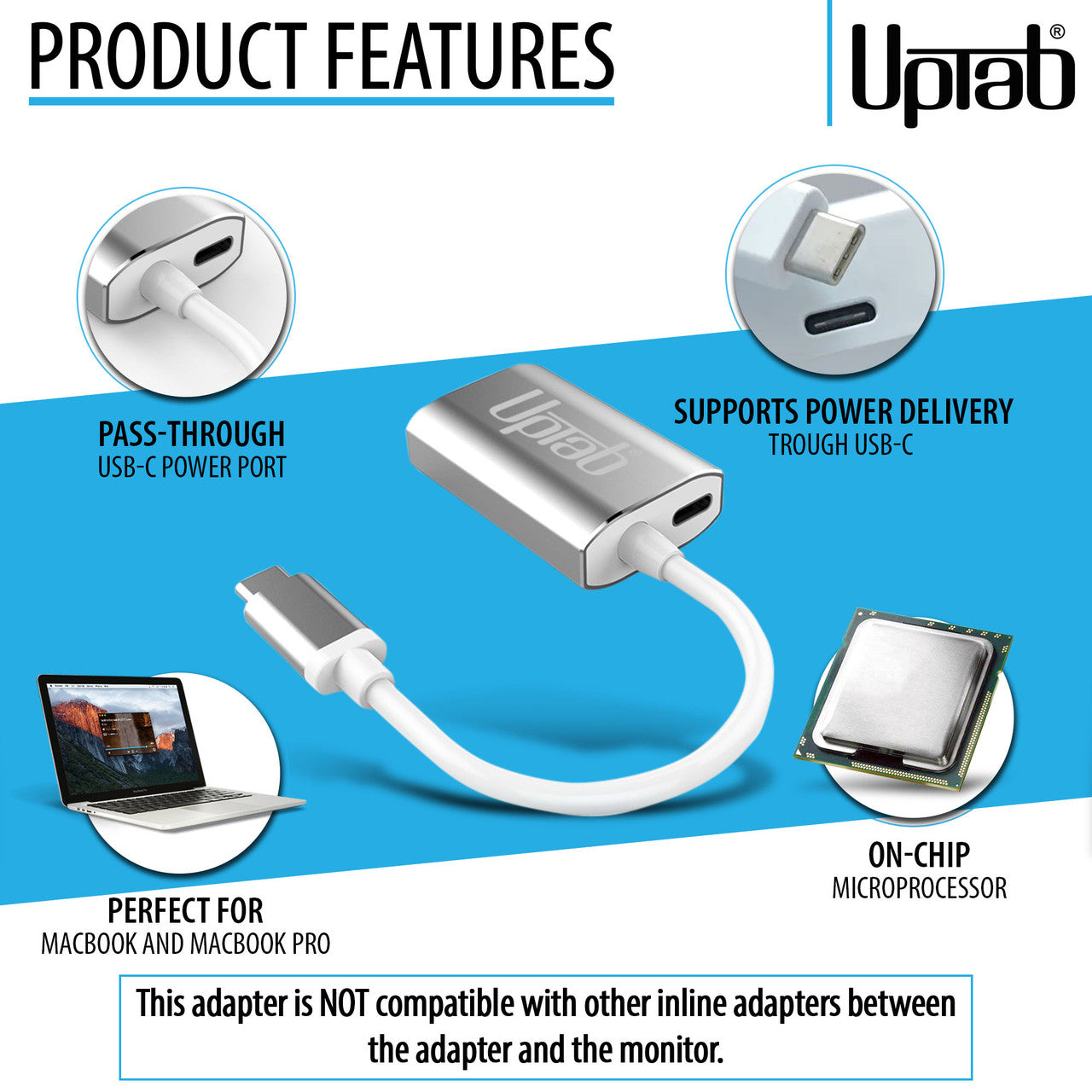
Unlock the full potential of your display with the UPTab USB-C to Mini DisplayPort Adapter 4K@60Hz. Engineered for professionals, creators, and everyday users, this compact adapter is the only Mini DisplayPort adapter on the market featuring a USB-C power pass-through port. That means you can charge your laptop while using the adapter—freeing up your other USB-C ports for drives, peripherals, or accessories.
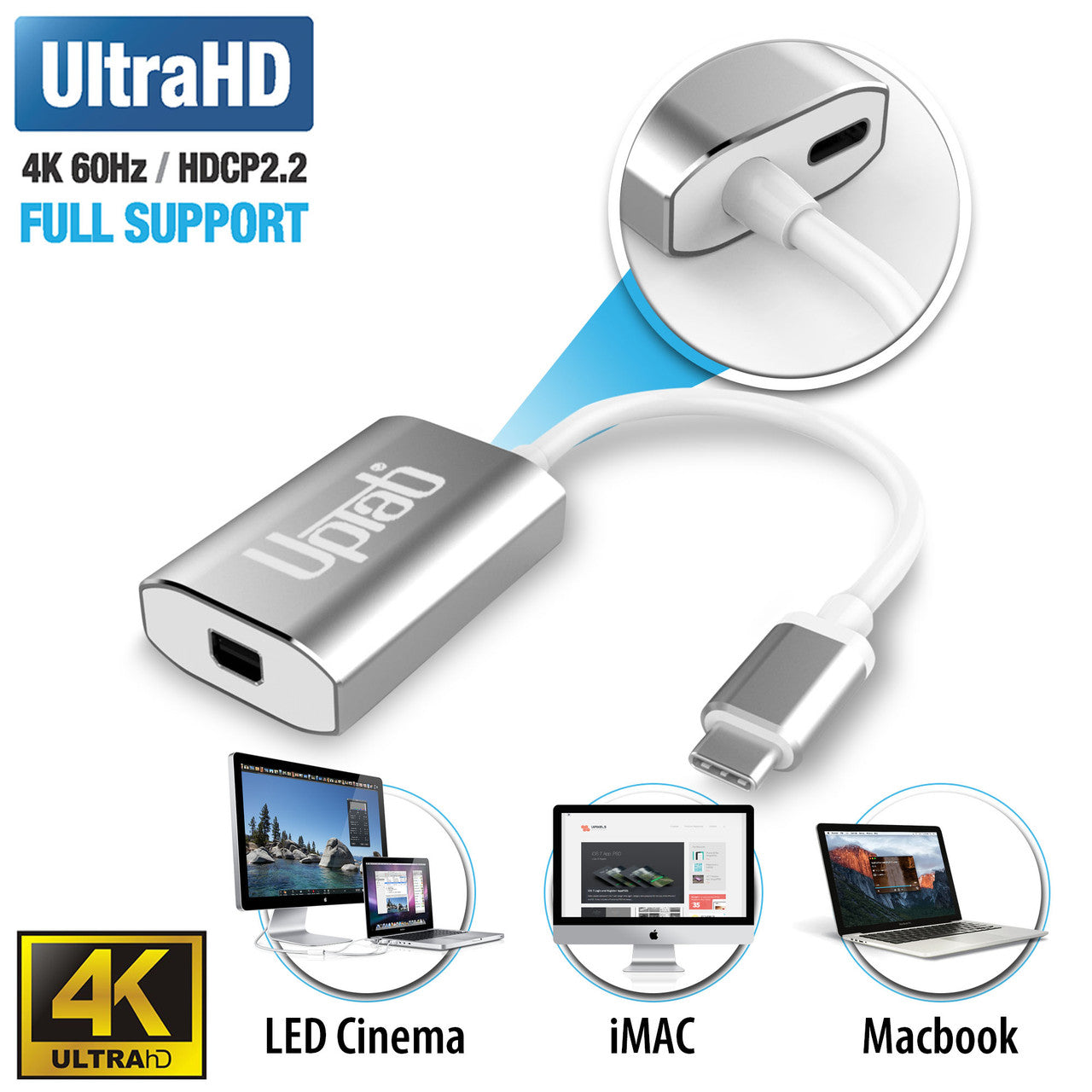
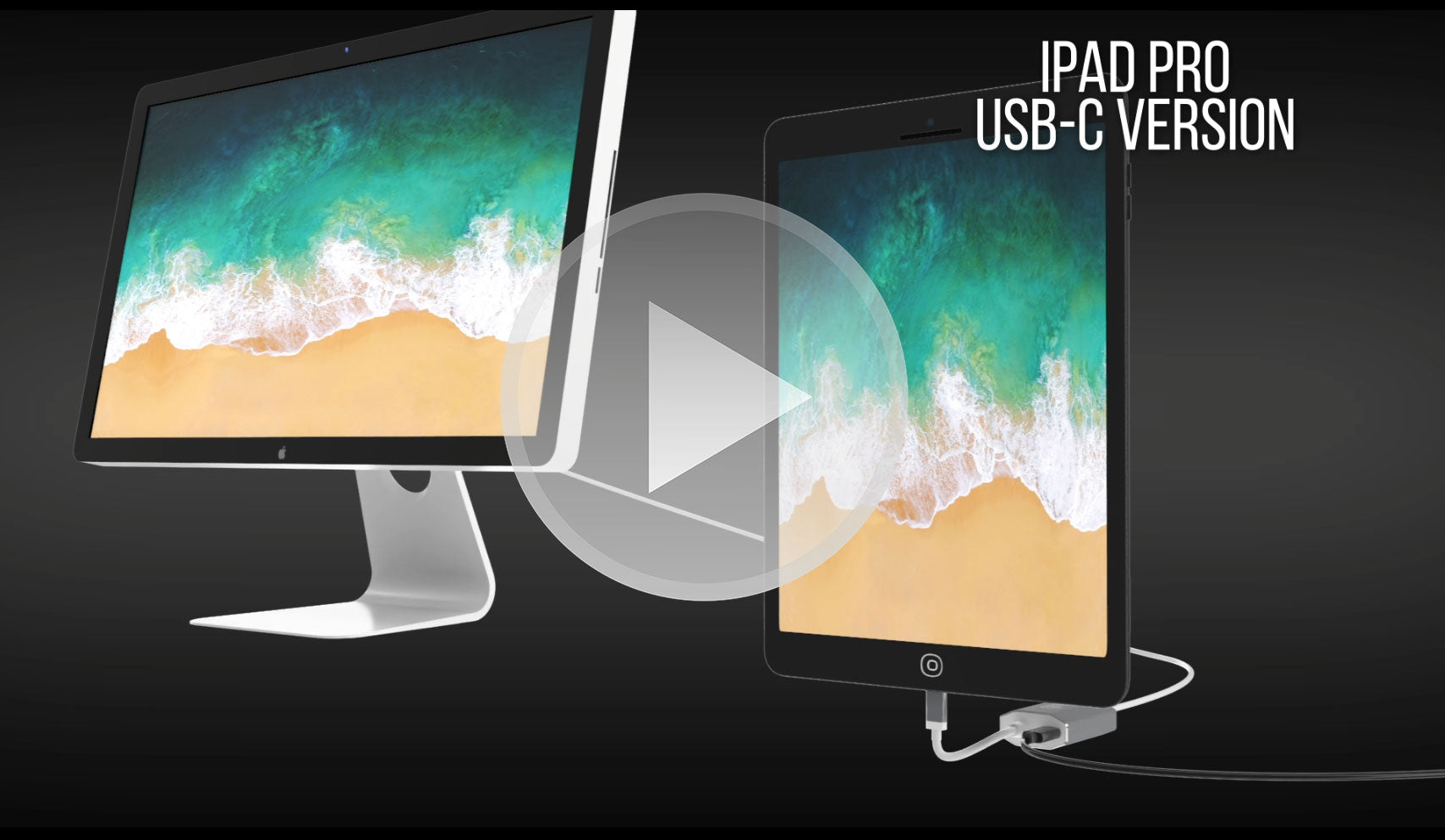
Unlike generic adapters, UPTab’s precision engineering ensures smooth Ultra HD 4K resolution at 60Hz with 8-channel audio, zero lag, and crystal-clear visuals. Housed in a durable aluminum shell for superior heat dissipation and reliability, it’s the go-to solution for connecting your MacBook, iPad Pro, Chromebook, or PC to legacy Mini DisplayPort monitors—including the classic Apple Cinema Display.
-
Charge & Connect Simultaneously – Exclusive USB-C power pass-through design lets you charge your laptop while driving a Mini DisplayPort display.
-
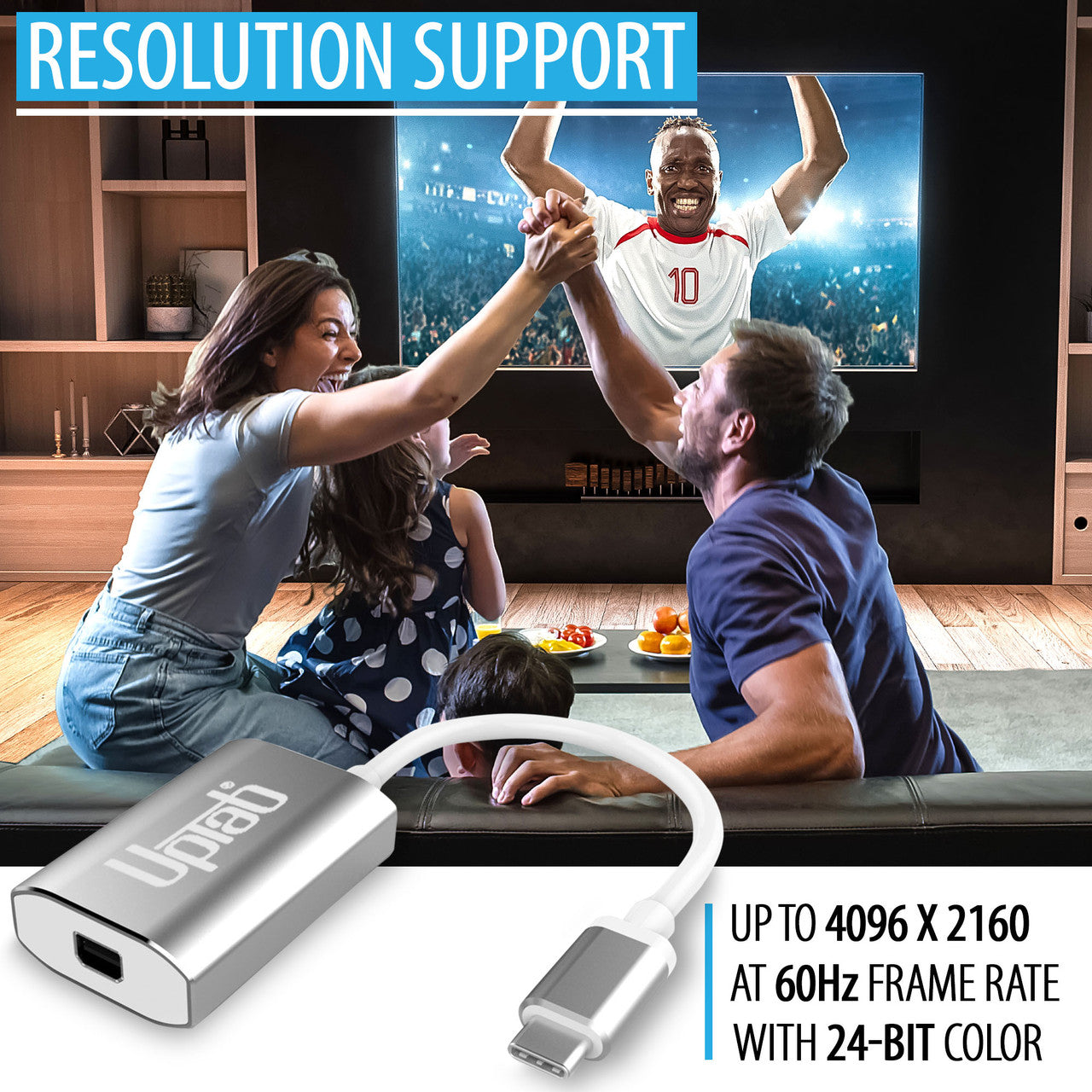
Stunning Visuals – Supports Ultra HD 4K @ 60Hz for smooth video playback, gaming, and professional editing.
-
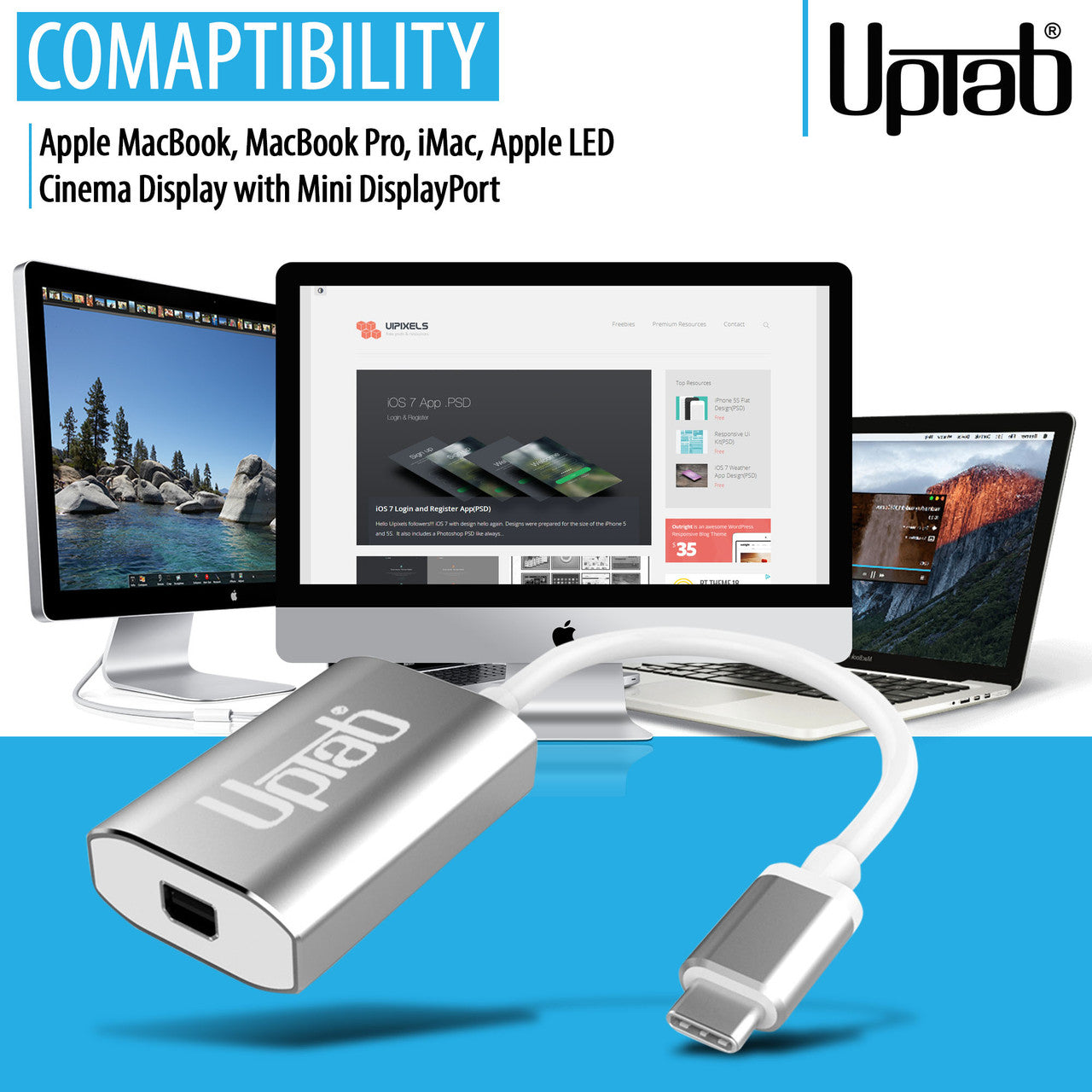
Broad Device Compatibility – Works seamlessly with Apple MacBook Pro/Air, iPad Pro, iMac, Mac Mini, Chromebooks, Lenovo, HP, and more.
-
Future-Ready Engineering – Built with DP 1.4 Alt-Mode compliance, HDCP 1.4/2.2 support, and advanced EMI reduction.
-
Premium Build – Durable aluminum shell for heat dissipation and long-lasting reliability.
-
Portable & Travel-Friendly – Lightweight, compact design perfect for mobile professionals and students.
Can only convert signal from USB-C (Type-C) to Mini DisplayPort. This is not a bi-directional Adapter. This adapter is NOT compatible with Intel Thunderbolt 2.
Learn how to identify whether your Apple display uses Mini DisplayPort or Thunderbolt, which Apple Cinema Displays are compatible, and how to connect them to modern USB-C and Thunderbolt laptops using the UPTab USB-C to Mini DisplayPort Adapter
Highlights:
- Small, compact design
- Sleek silver color
- Self-powered - no external power required
- Connects to Mini DisplayPort
- Aluminum shell - excellent heat dissipation
- Power delivery pass-through for charging
- Supports Ultra HD 4K at 60Hz resolution
- Compatible with Apple MacBook, Google Chromebook Pixel and more
- Includes on-chip microprocessor with internal SPI ROM
- Supports content protection formats HDCP 1.4 and HDCP 2.2
- HDCP 1.4 and HDCP 2.2 repeater function with on-chip keys
- Supports TMDS scrambling for EMI/RFI reduction
- Supports SCDC (Status and Control Data Channel)
- Audio support up to 8 channels LPCM
Compatible Devices:
- Apple MacBook Pro M1 and later including new 14/16" M4 Pro and M4 Max
- Apple MacBook Air M3 and later
- Apple iPad Pro with USB-C and later
- Apple iMac 2017 and later
- Apple Mac Mini M1 and later
- Apple Mac Pro 2019 and later
- Android Smart Phones and Tablets with USB-C
- Google Pixel
- Google Chromebooks with USB-C
- Lenovo Laptops with USB-C
- HP laptops with USB-C
- Any Computer with Thunderbolt 3 and USB 4.0
Smartphones and tablets that support video output: Full List
If you have any questions, you are always welcome to contact us. We'll get back to you as soon as possible, within 24 hours on weekdays.
-
Shipping Information
We process and ship most orders the same day. Delivery times vary based on your selected shipping method at checkout. Please ensure your shipping address is accurate to avoid delays.
-
Customer Support
Our team is here to help! For questions or assistance, contact us by email or through our contact form. We’ll get back to you as quickly as possible.
-
FAQ’s
When will my order ship?
Most orders are processed and shipped the same day. Delivery time depends on the shipping option selected at checkout.
What is your return policy?
Items may be returned within 30 days in original packaging with all accessories included. -
Contact Us
Have questions or need help? We’re here for you.
Customer Service available Mon - Fri 9am - 5pm (EST)
Email: cs@uptab.com
Phone: 1 (877) 333-1505
Or use our contact form—we’ll respond promptly.
FAQs
Frequently Asked Questions – USB-C to Mini DisplayPort Adapter
I connected the adapter but no image on my Monitor.
- There are several different reasons why video is not showing
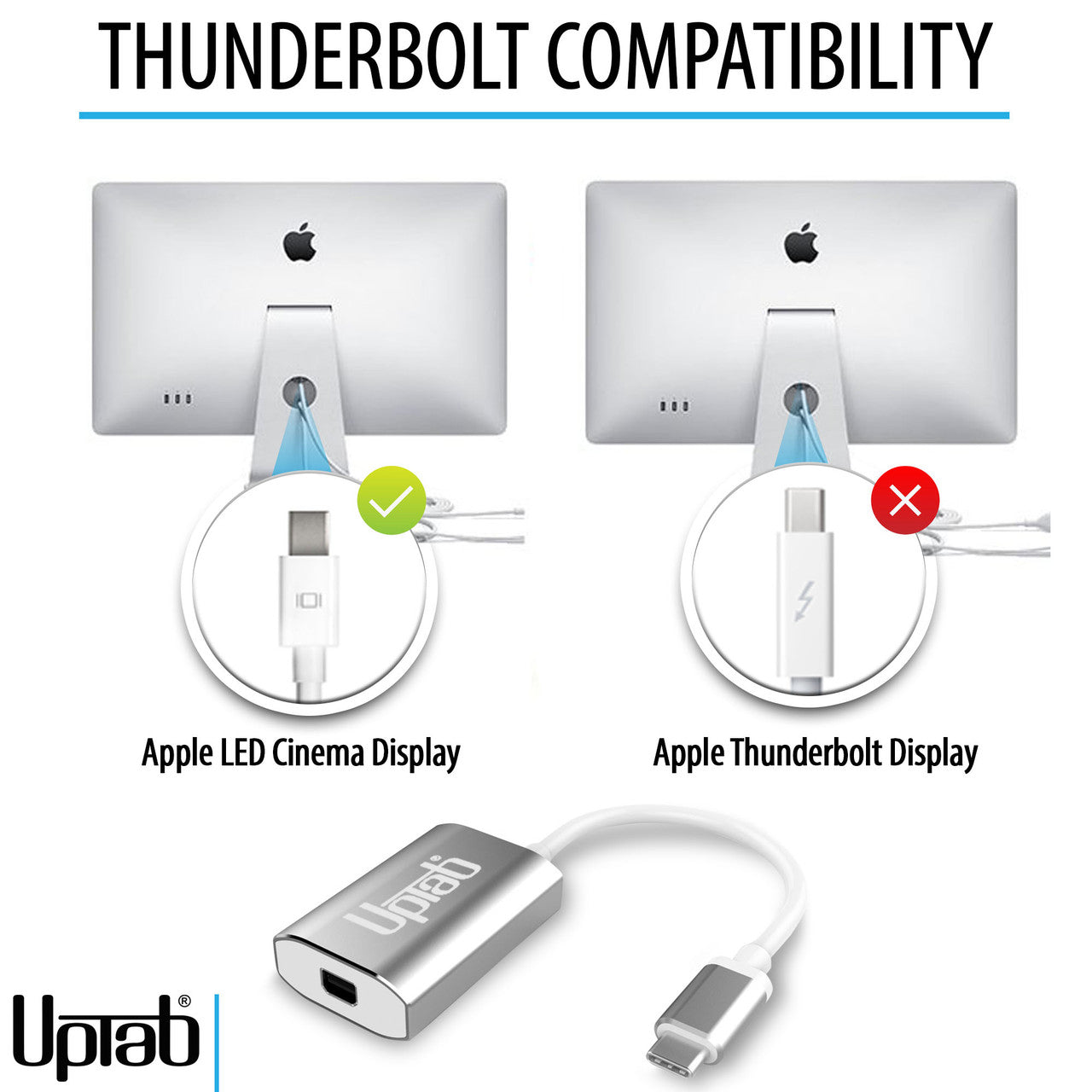
- Your Monitor is the Thunderbolt version of Apple Cinema Display. You can check my finding the small icon on the white cable coming from your monitor. If showing a small Thunderbolt our adapter will not work, if showing a small square with two lines on the side our adapter will work as expected because your monitor is the Mini DisplayPort version of the Apple Cinema Display.
Please make sure your apple monitor is connected to power and operational.
Why I can not control the brightness, Audio, and the iSight Camera on my Apple Cinema Display?
- You must connect the USB-A Cable from your Apple Cinema Display to your Laptop to be able to control brightness, audio, and iSight Camera.
I am only getting 4K 30Hz when using the UPTab Adapter. How can I get 4K @ 60Hz?
- There are several different reasons why a 4K display would be limited to 4K 30Hz using our adapter. We would recommend first checking:
- The USB C output port must support DP1.4 ALT compliant to get 4K @ 60Hz or DP1.2 for 4K@30Hz.
- System specifications to ensure that the internal graphics processor can support 4K @ 60Hz and that the output port on the system/GPU can support 4K @ 60Hz.
Is this adapter compatible with MacBook Pro, MacBook Air, iPad Pro, and other USB-C devices?
Yes, it works with USB-C and Thunderbolt 3/4 devices such as MacBook Pro, MacBook Air, iPad Pro, Mac Mini, iMac, and many Windows laptops that support video output via USB-C.
Do I need to install drivers or software for this adapter to work?
No drivers are required. This adapter is plug-and-play, so once connected, your display should be recognized automatically.
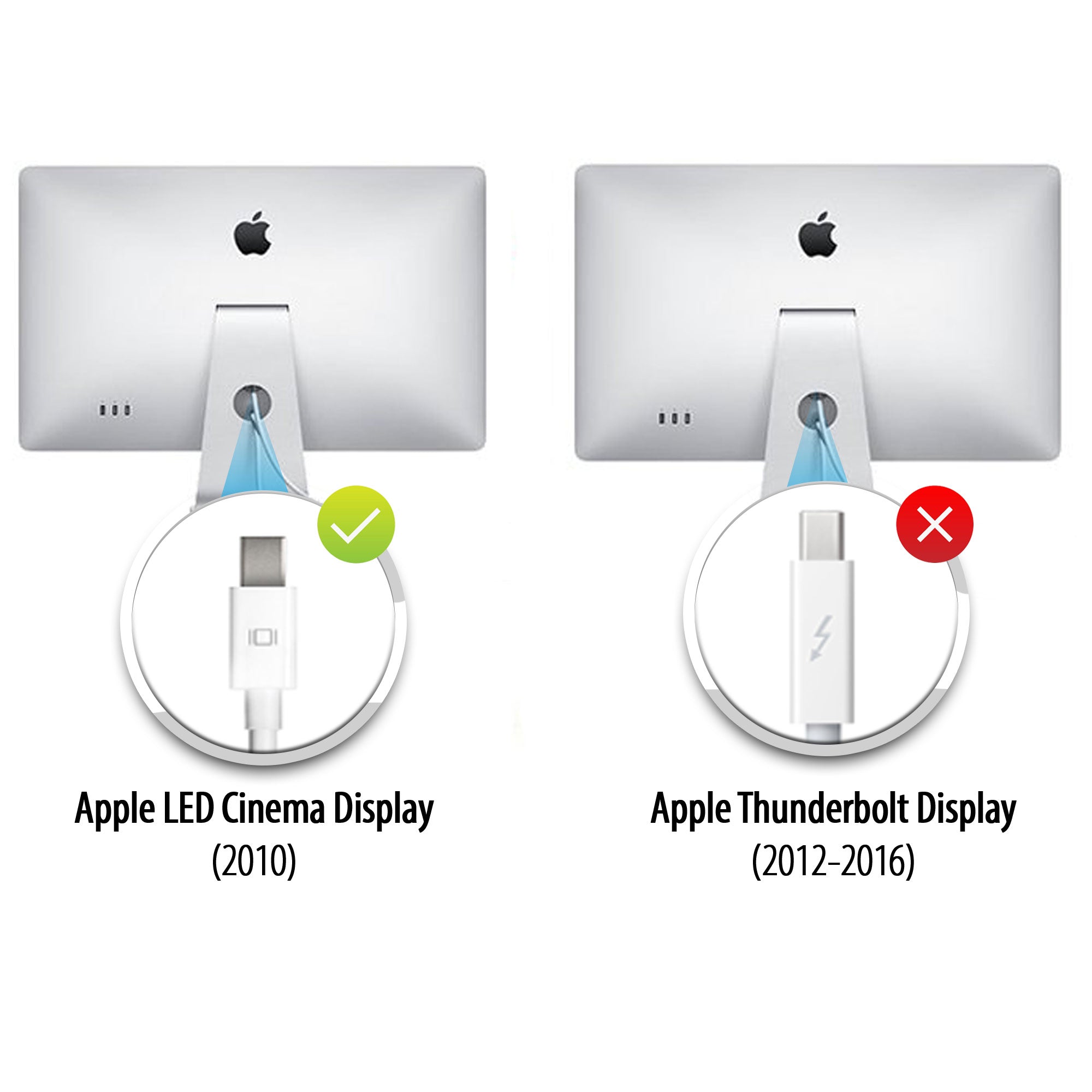
Cinema Displays
Apple made two very similar-looking Cinema Displays, but you can tell them apart by the connector logo on the white cable:
- Apple Thunderbolt Cinema Display – The connector shows a lightning bolt symbol (⚡).
- Apple LED Cinema Display (Mini DisplayPort) – The connector shows the Mini DisplayPort logo (a square with two vertical lines on each side).
Checking this small logo on the cable is the easiest way to distinguish between the two models.
Doesn’t work

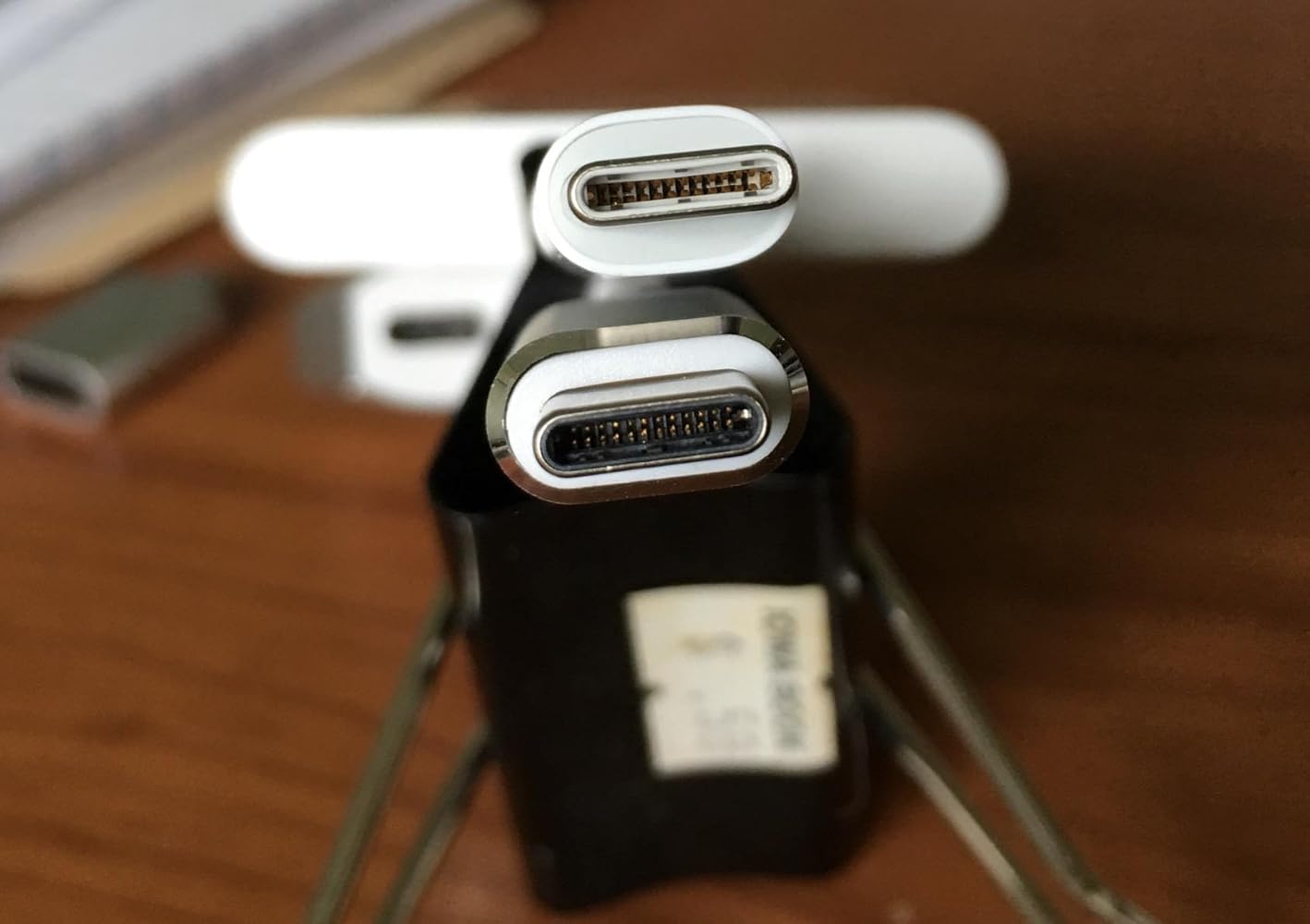
The adapter is larger than the other usb-c adapter from Apple, see the above picture,the upper one is from Apple. What a joke! Can not get a decent quality adapter! One usb-c port of my mcbook pro was ruined due to this. Do not buy.
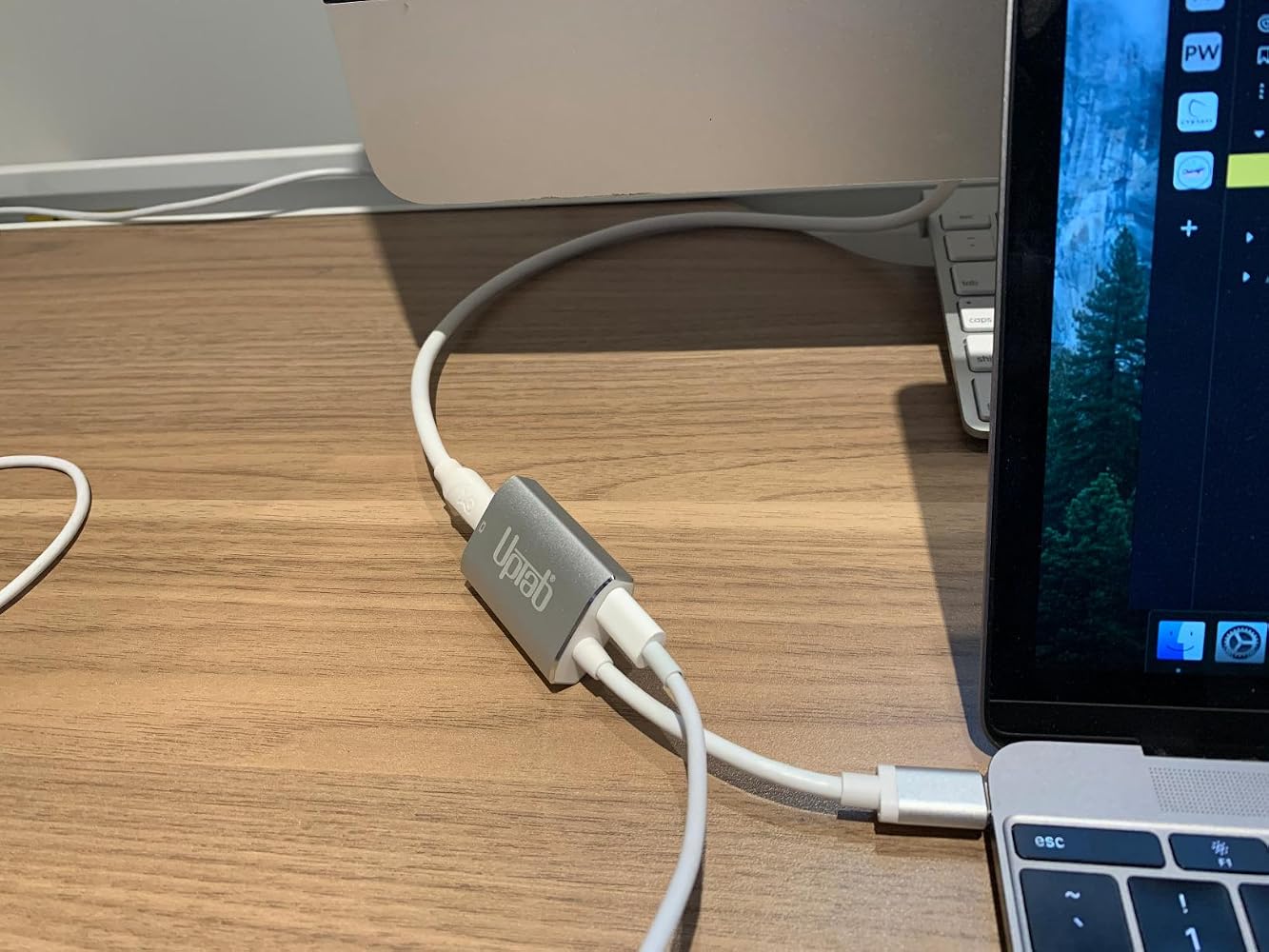
If you are using this adapter out a Mac Mini to your old Apple Cinema Display (mine is from 2010)….I’ll save you some frustration… Internet searching… and UpTab help email when this gizmo DOESN’T WORK. The UpTab adapter is NOT an all-in-one adapter. It ONLY transfers IMAGE out your Mac Mini M2 to your Cinema Display: NOT AUDIO…. Or at least not enough to really hear. You will need to ALSO plug in the USB connector from your Cinema Display INTO the Mac Mini USB port as pictured in these photos. THEN…. you will have full audio Mac Mini to Cinema Display. I did not realize that this UpTab adapter was just basically a video only adapter when it comes to my Apple Cinema Display. Once I found this out, everything worked perfectly.


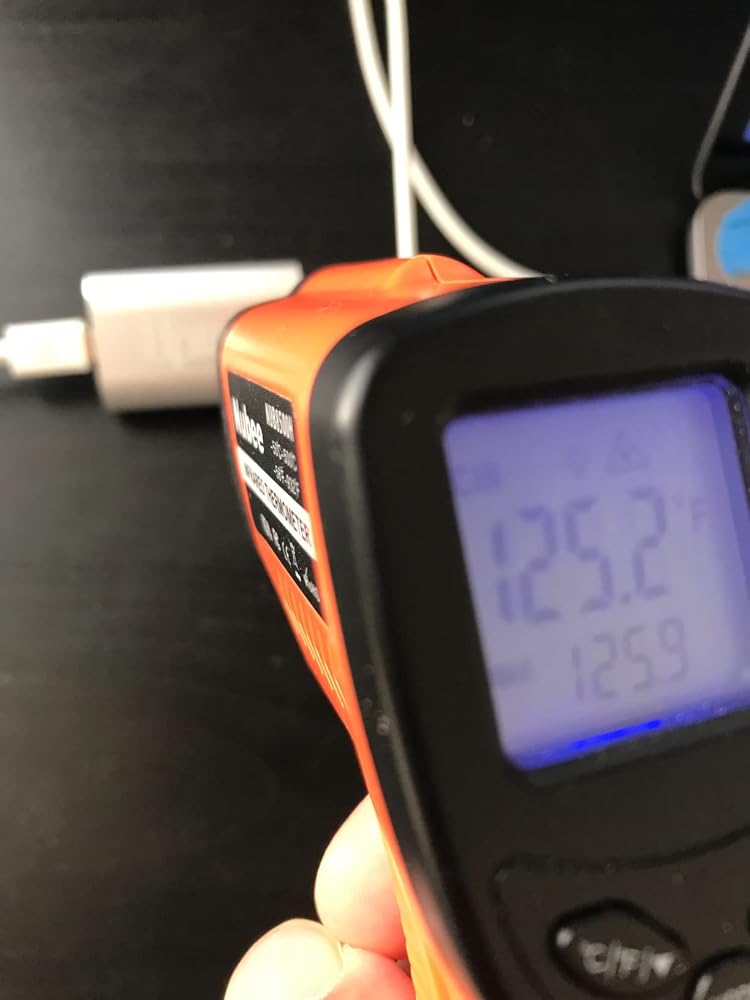
It's super hot on the adaptor's surface (125 'F). Perhaps add a fan or peltier to cool down the heat.

Help! There is not an option to adjust the brightness on my cinema display in the system preferences menu.

Works perfect with M1 Max 16" to Apple LED Cinema Displays with Mini Display PortI'm running two of them via the left two Thunderbolt/usb-c ports and there are no visible issues with the LED Cinema Displays. There is no brightness control that I can find though.


Got this to connect my 2016 Macbook 12" retina to a 2009 27" iMac as a secondary display, in TDM (target display mode.) Pugged it up with a mini displayport cable, pressed command + F2, and voila. I gained basically 4x more screen real estate. As young people say, it's amaze balls. 5/7 would buy again.
My MacBook Pro gave up the ghost and I had an old Apple Cinema Display in store ..... so I took the decision to get a new MacMini and see if it would all come togetherI had read many reviews of adaptors that “might or might not” connect the two .... and an article that highly recommended this particular connector although it cost a small amount moreI am very pleased that I did .... it has worked without a hitch ... and was well worth the extra trouble of getting it in from the US when I live in the UK
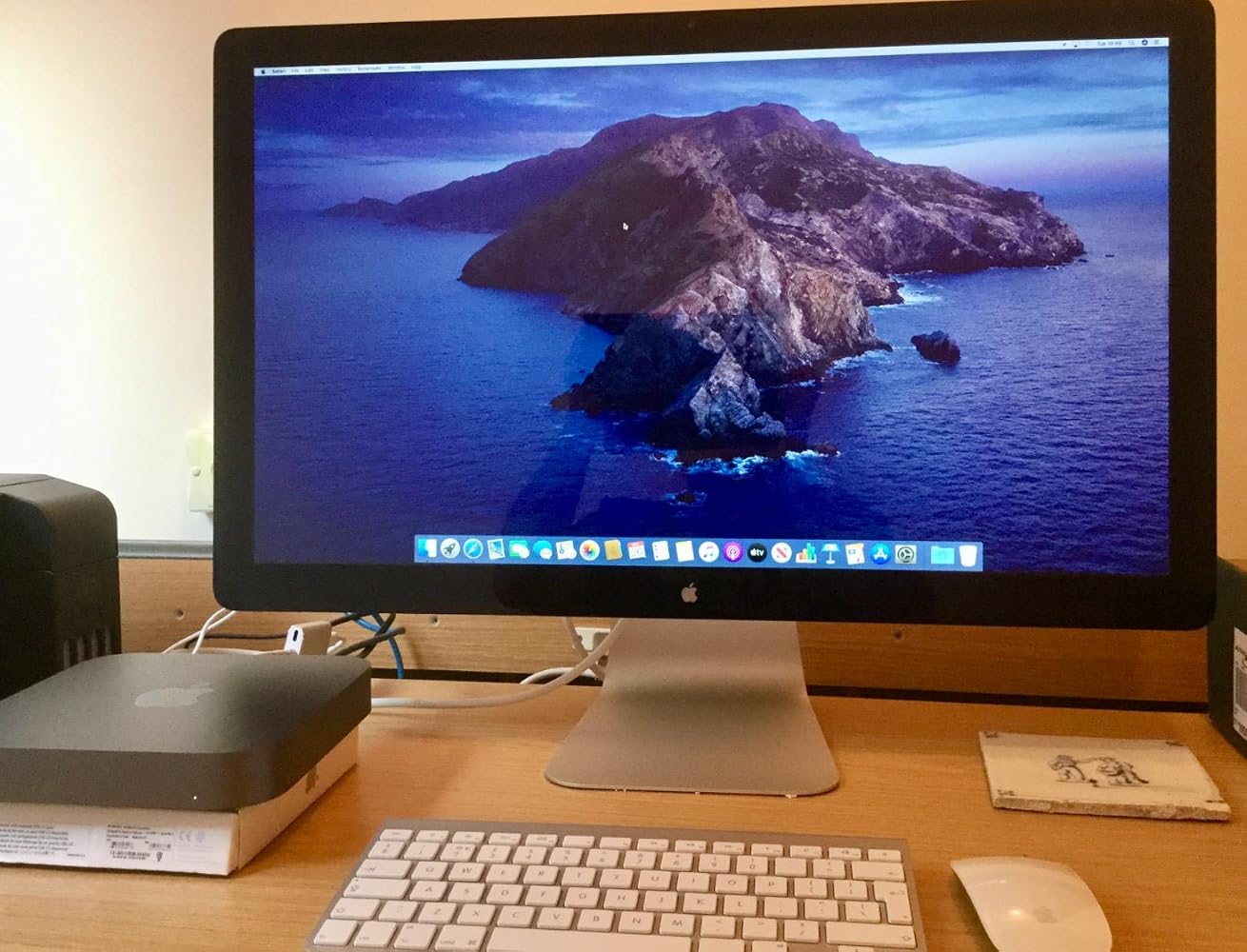
Used this to connect my 2010 Apple Cinema Display to my MacBook Pro 2017. It works and shows great. You have to keep your MacBook power cord plugged in and you will need a USB Adapter to get sound from the Cinema Display. I can now use my Cinema Display as a large monitor, or 2 separate screens. Note, this is not for the 27” thunderbolt displays. That specific model requires a Thunderbolt adapter (with the lightning symbol on it). This product= Perfect fit, and fast shipping.
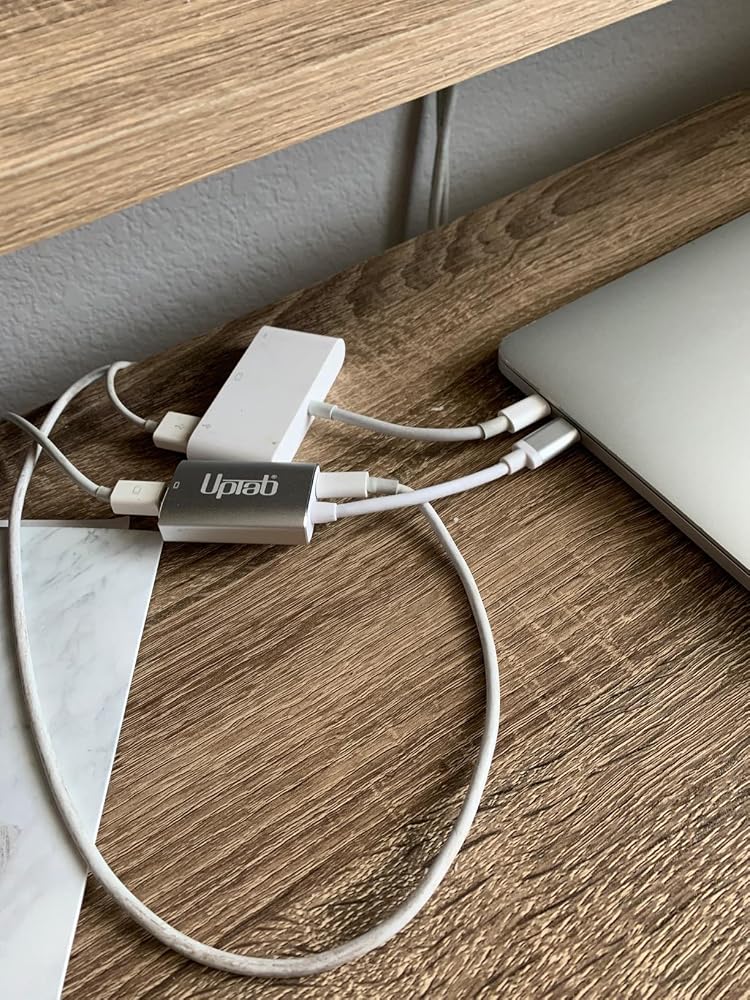
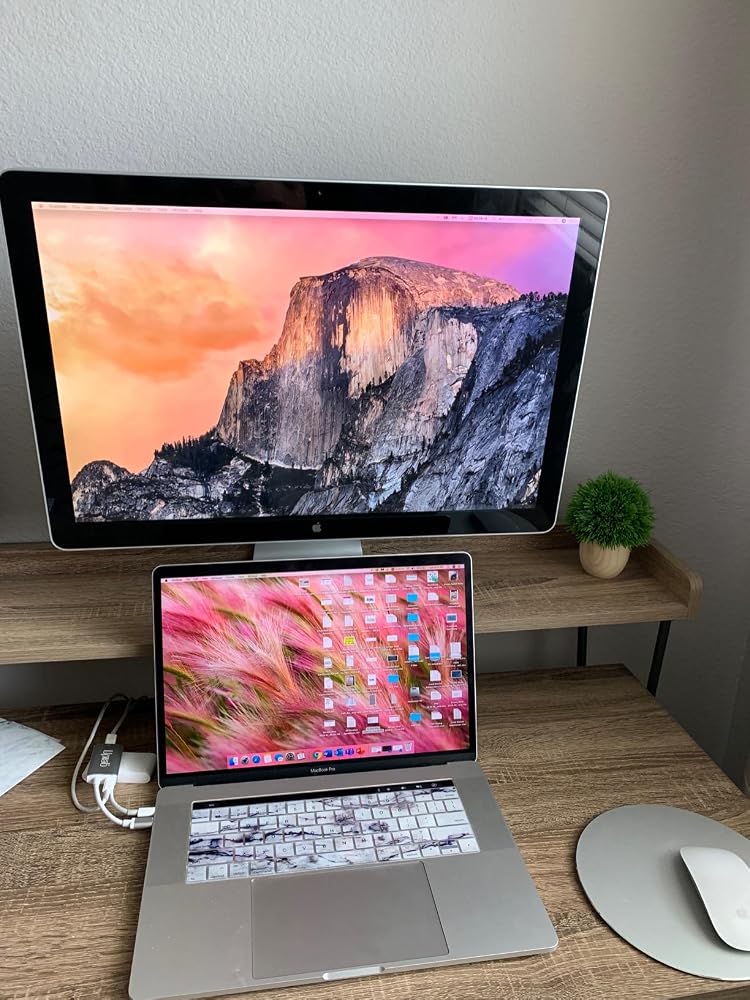
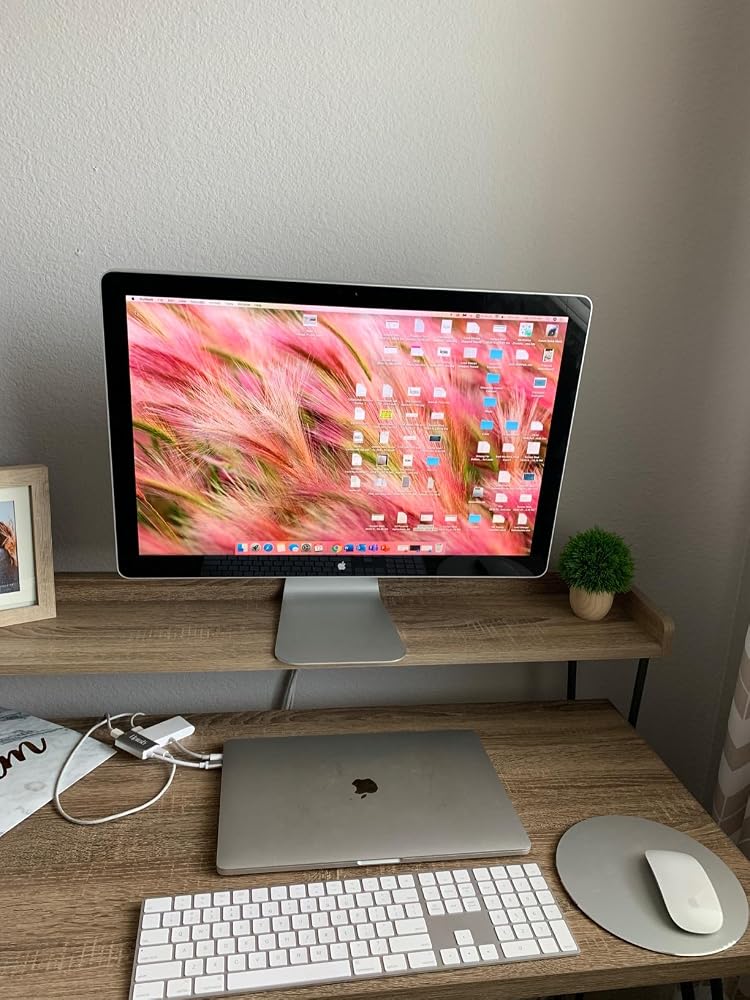
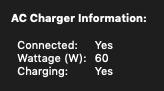
Minus 1 star for not listing the pass-through power wattage rating in the product specs/description.That said, 60 watts is charging my 2019 Macbook pro (which uses an 87W charger) when not under heavy strain. However, I'm fearful this lower wattage could be detrimental to the battery's overall lifespan.
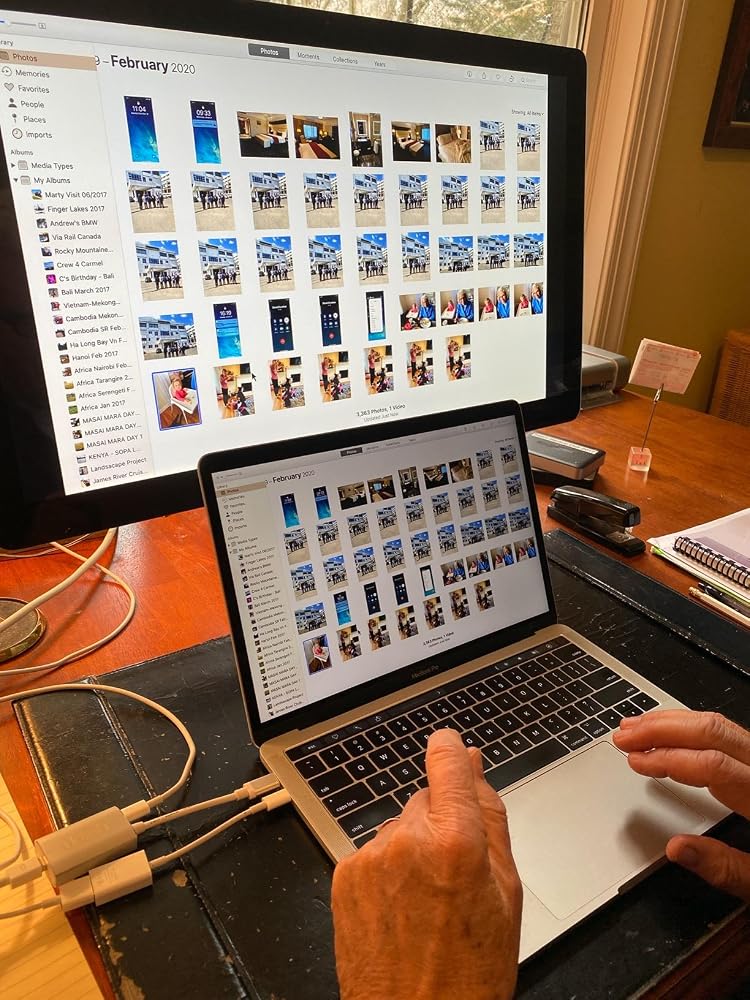
I am thrilled with this device! I thought our Apple LED Cinema Display was going to be unusable with a new MacBook with USB-C ports. We plugged the Cinema Display into the UPTab device, along with the USB-C power cord. Then, we used an Apple dongle to connect the USB cord from the Cinema Display to a USB-C port on the MacBook. Amazing! The laptop is charging. The screen works. All 3 USB ports on the back of the display work! Now, we just need to power up the keyboard and mouse and close the laptop! Thank you UPTab!!! I'll be ordering one more since we have another LED Cinema Display for a second laptop.
Very smooth experience from browsing and find product to finally getting the product shipment.
it was exactly what i needed :)
Great product! Good delivery.
It worked to run my old Apple Cine display from Macbook Air M3.
Funktioniert mit einem iMac 18,1 und einem Cinemadisplay perfekt
Very nice USB-C to Mini DisplayPort Adapter. It allowed me to use my Apple Cinema Display with my M1 Macbook Air. And with the addition of a power port I can charge my laptop at the same time without losing another port on the laptop.
It extended the usefulness of my Cinema Display
Seems to work perfectly to connect my old 30 in 2006 Apple Cinema Display via a mini display adapter to a USB-C port in my new Mac Mini. So happy to keep it going!
plug and play, allowed me to use apple 30" cinema display monitors with Apple studio
Works perfect
I bought this hoping it would let my co-worker use his old school headphones with audio jack on his new MacBook Pro with touchbar. Didn't work despite the ports being correct. Disappointed because trying to solve this has been quite a struggle.
Absolute garbage. Doesn’t work with my MacBook Pro. Doesn’t work with my 2018 iPad Pro. Total. Waste. Of. Money.Would return if I could but I ordered it months ago and only discovered it’s uselessness today.
Compré este adaptador para poder conectar mi mac book pro con la pantalla Cinema Display de Apple, sin embargo no fue posible
It did not work on a new MacBook Pro in driving an older Apple Cinema Display, and was returned.
Bought this to connect a MacBook Pro (15-Inch, 2017) to a Dell U2713HM monitor. The connection is very sensitive and unreliable. For example, I have to position the dongle in such a way to avoid a blank monitor.
I had basically the same experience as with a similar adaptor I bought, and I left a thorough review here that also applies to this adaptor (minus the updates as I haven't returned this one yet): https://www.amazon.com/gp/customer-reviews/R1SBG8XB5E0BYH/ref=cm_cr_arp_d_rvw_ttl?ie=UTF8&ASIN=B01N2ORP84
Free Shipping Over $50
Same-Day Shipping on Most Orders