

USB C to Dual DisplayPort 8K MST Adapter
About this item
Pairs well with
SAME DAY SHIPPING order by 11 AM (EST)
Free Shipping Orders Over $50
Technical Support
30 Days Return
1-Year Warranty
USB C to Dual DisplayPort 8K MST Adapter
Product details
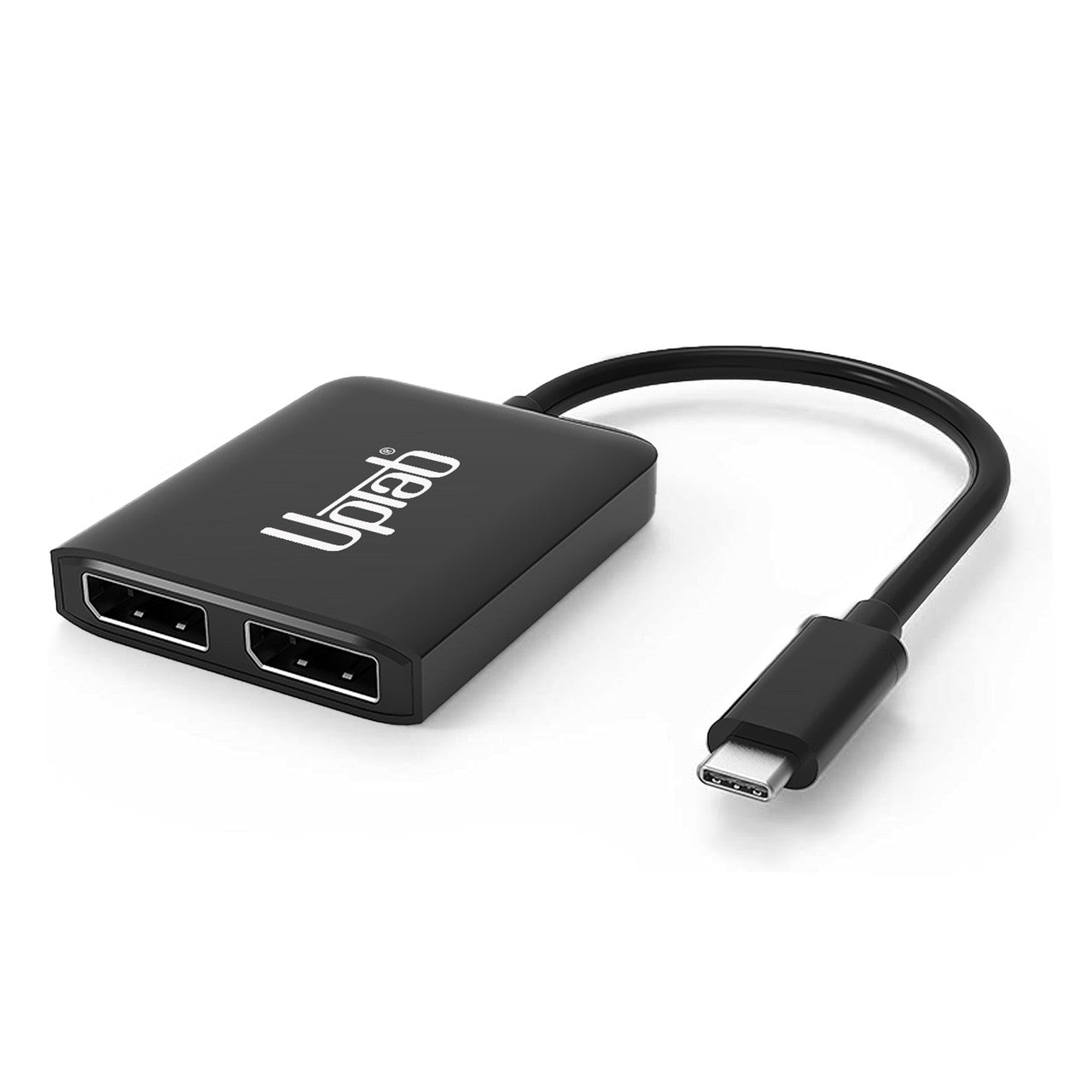
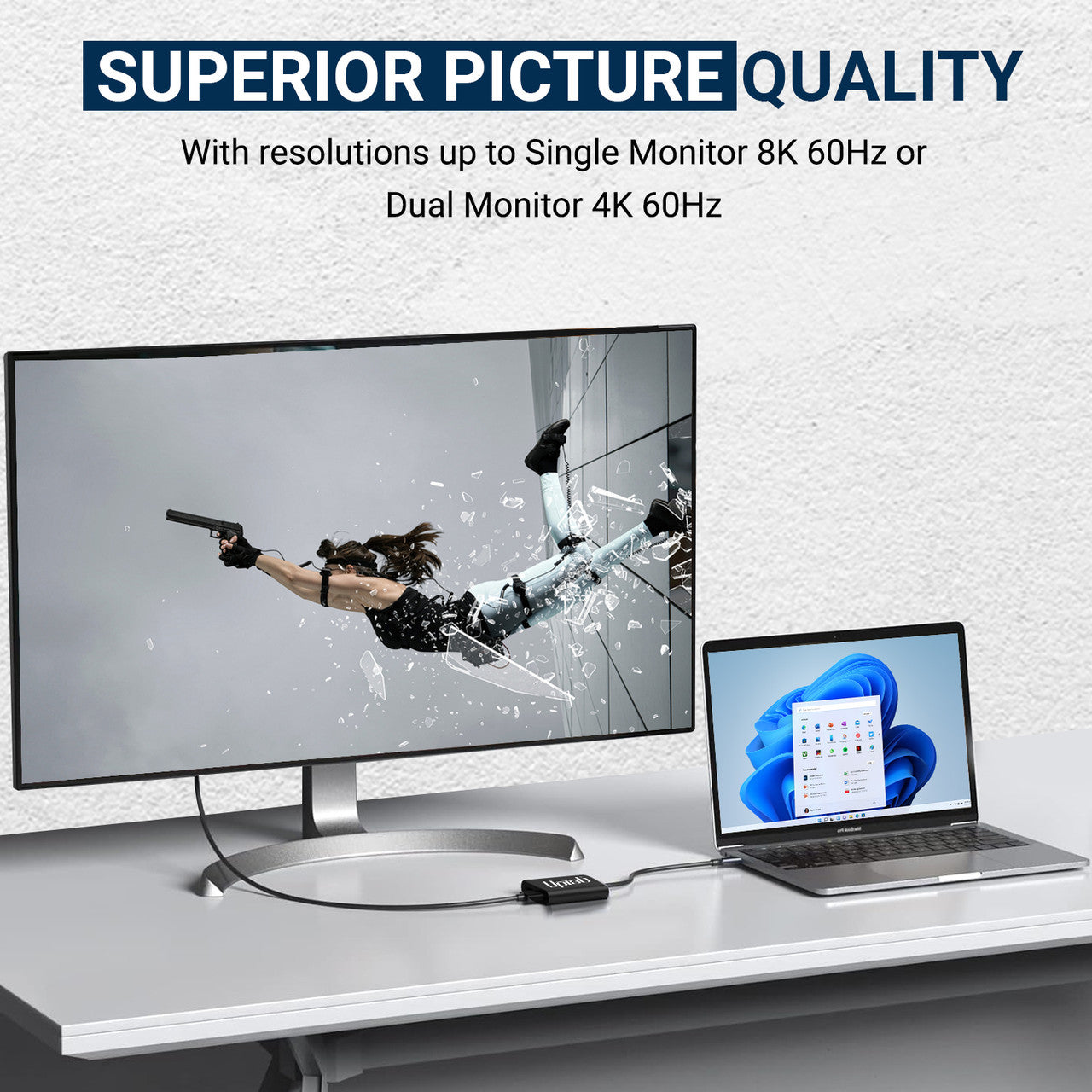
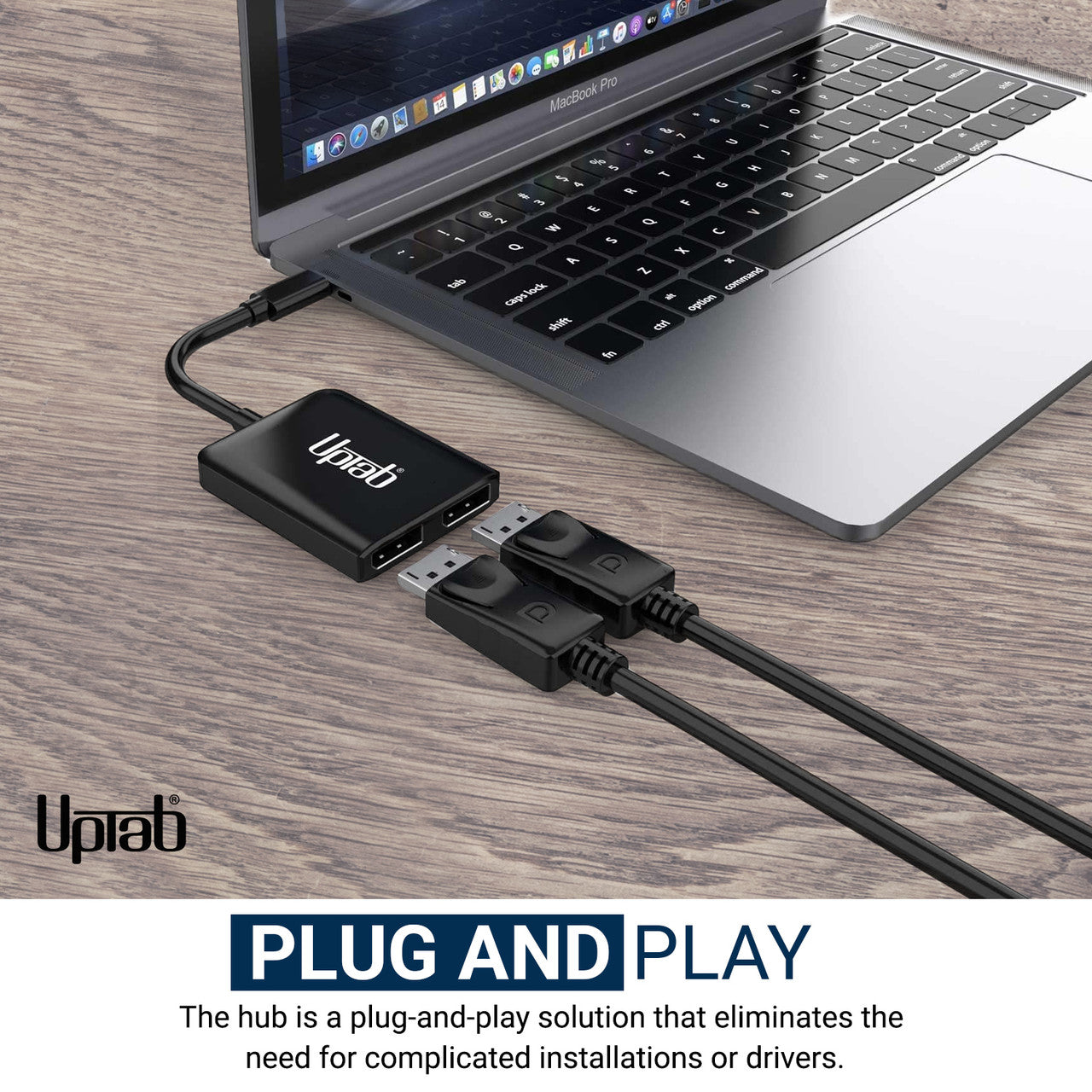
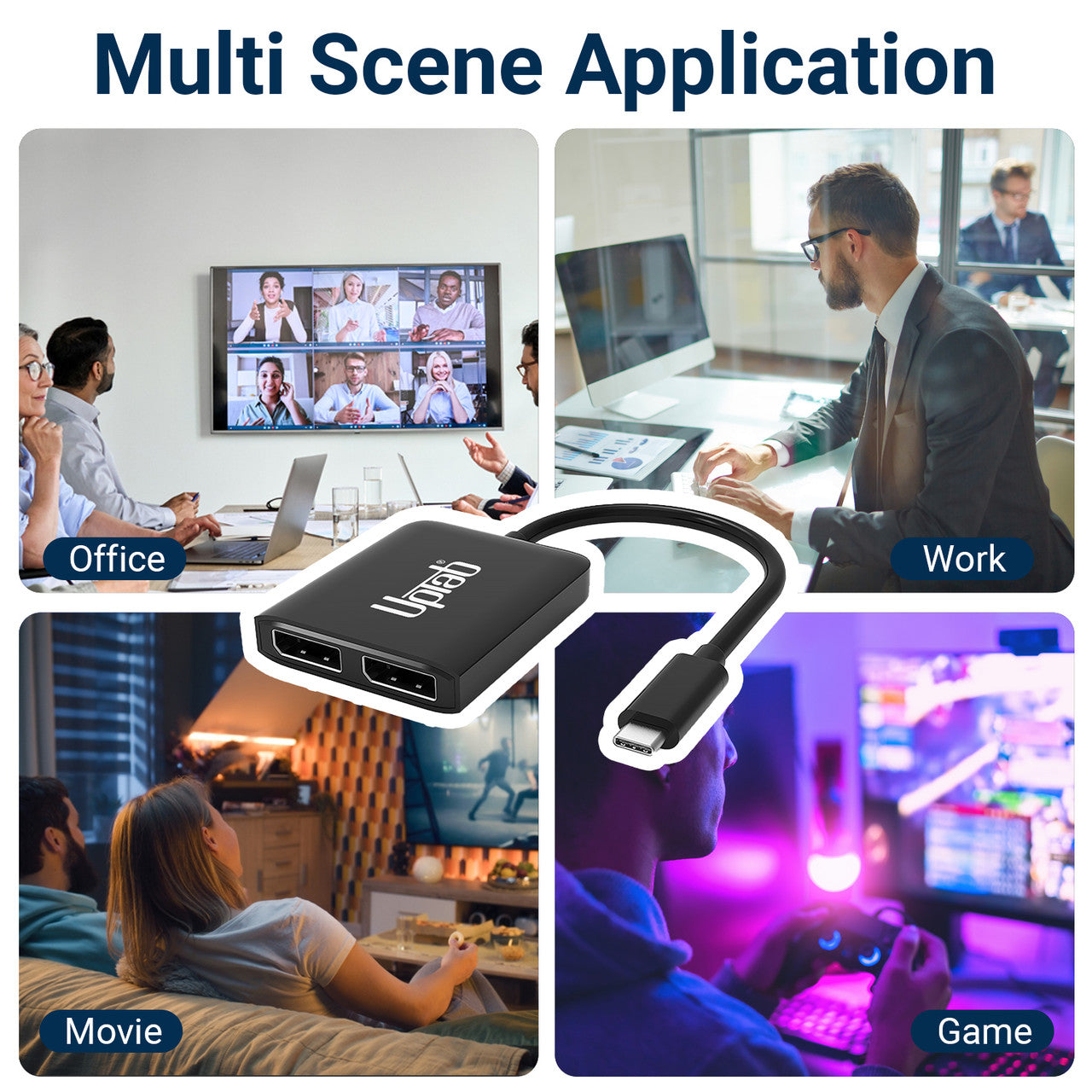
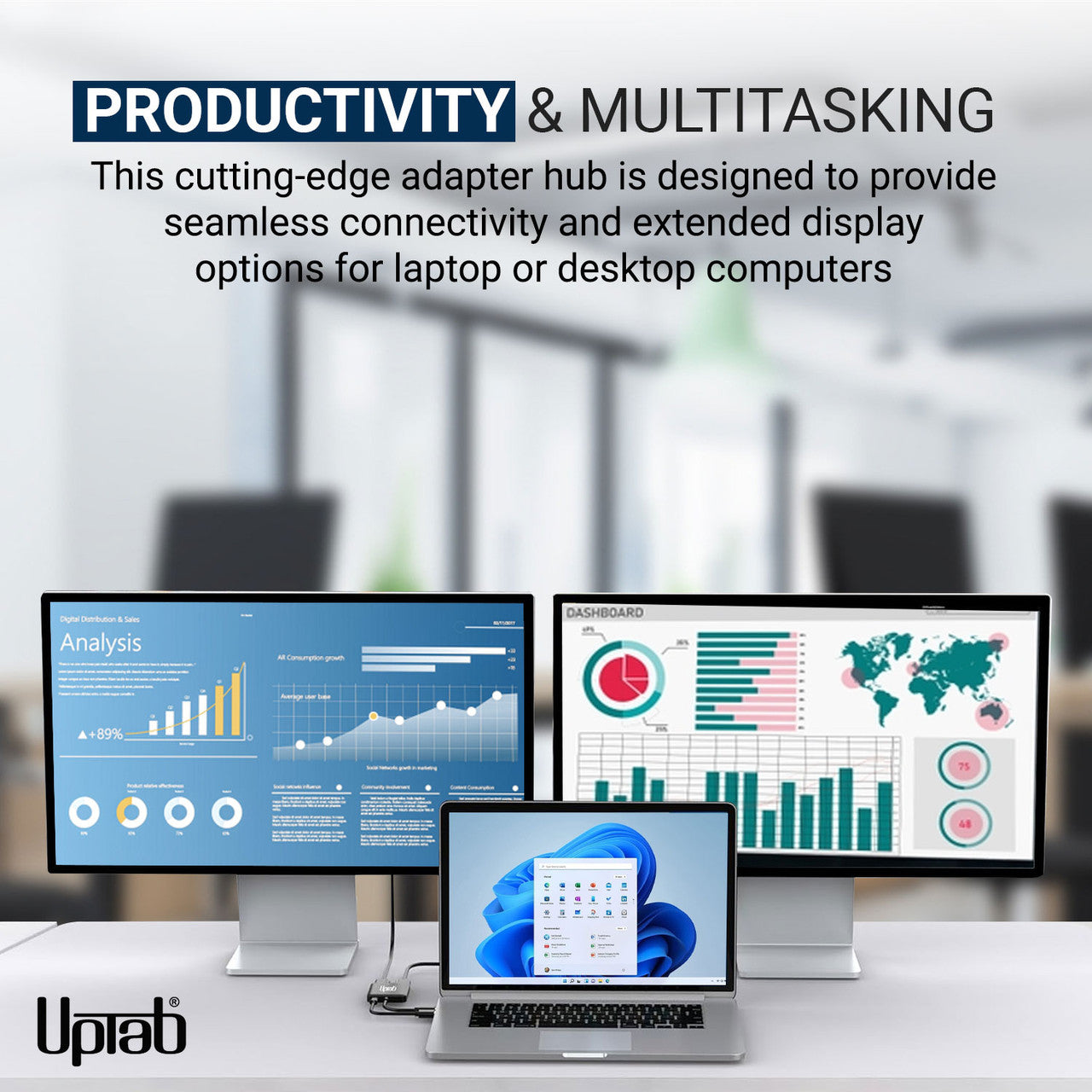
For users engaged in high-performance computing or gaming, the USB-C to Dual-Port DisplayPort Adapter-supporting a single 8K (7680×3840) or dual 4K (3840×2160) output-is an ideal solution for connecting computers to UltraHD displays. It delivers superior performance and enhanced visual experiences. The device is plug-and-play, requiring no software installation or configuration: simply connect one end to your system and the other to a DisplayPort cable (sold separately). It converts the USB-C video signal to DisplayPort at resolutions up to 8K. Furthermore, support for 4:4:4 color format ensures accurate RGB reproduction without conventional color degradation.
Features:
- Ideal for gamers and other high-level computing requirements
- Supports 4:4:4 color format with clear RGB colors
- Up to 8-channel audio
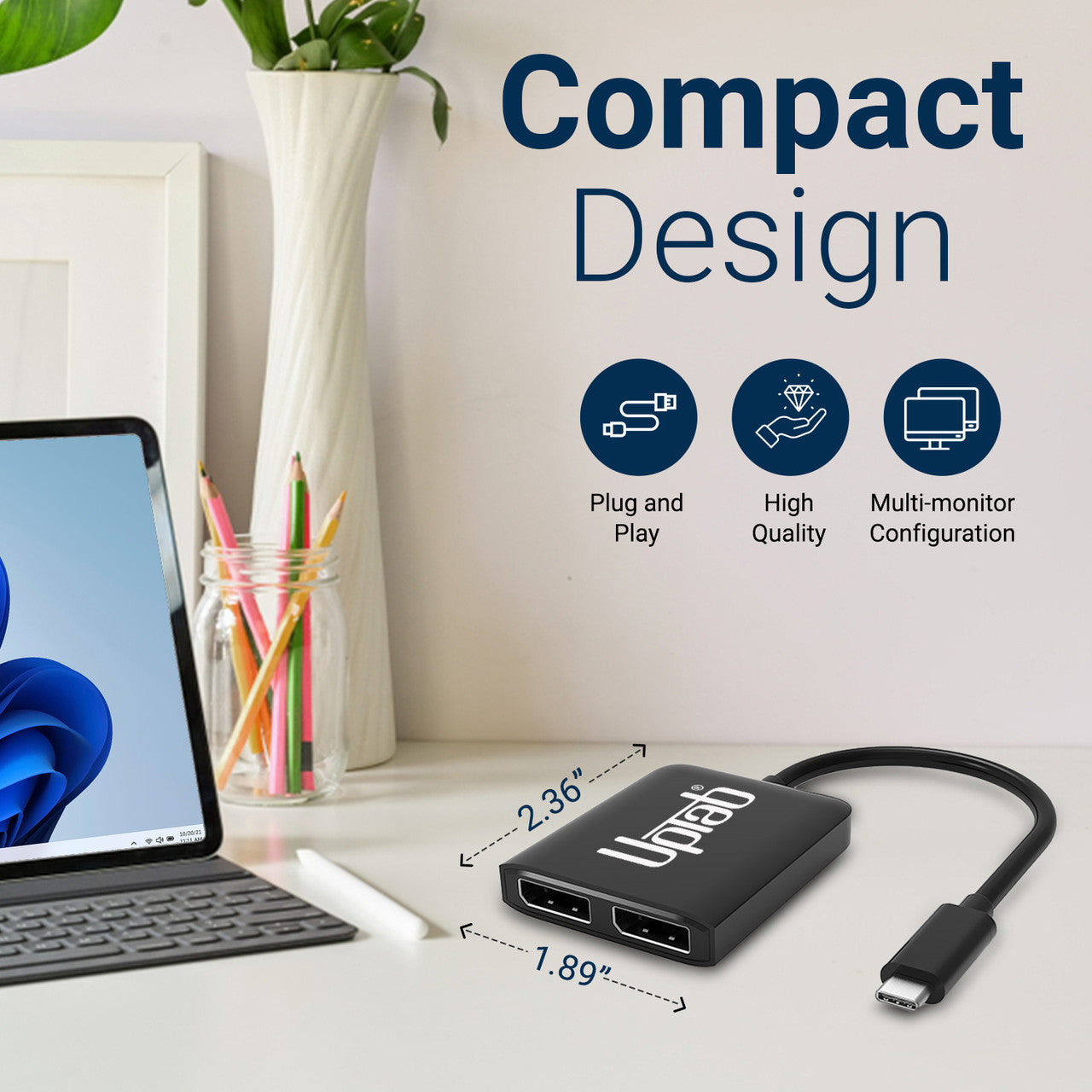
- Small, portable design
- Self-powered design with no external power required
- Converts DisplayPort video signal at up to UHD 8K 7680x3840 and 4K 4096x2160

Specifications:
- Input: USB-C 3.2 (Host must support DisplayPort 1.4 Alt Mode)
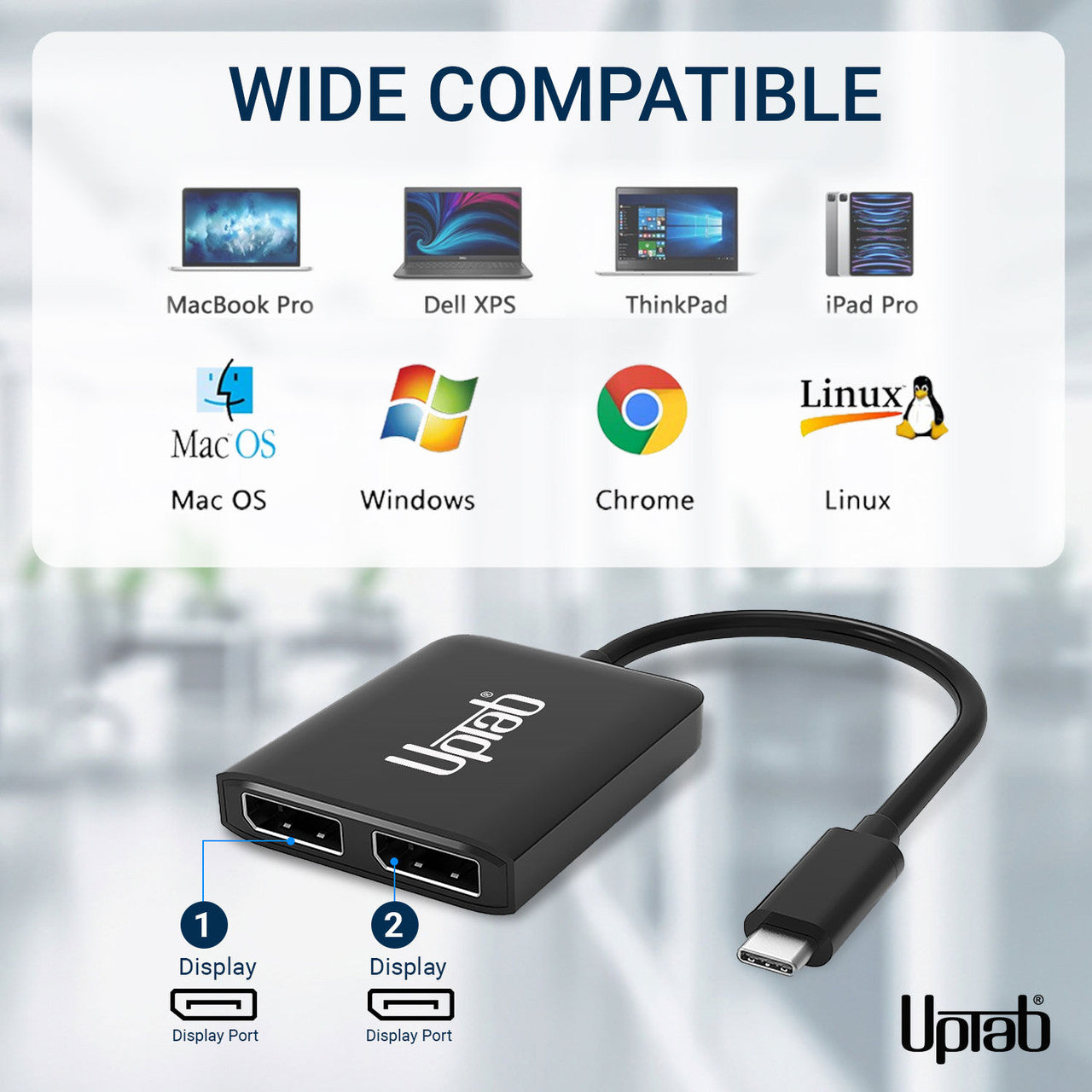
- Output: Dual DisplayPort 1.4
- DisplayPort 1.4 signal at up to UHD 8K 7680x4320@30Hz/60Hz and 1080p/144Hz.
- Two DisplayPort monitors support a resolution up to 4096x2160@60Hz
- Without DSC: DP1.4++: (7680x3840@30Hz,HDCP2.2, HDR10, 7.1CH)
- With DSC: DP1.4++: (7680x3840@60Hz,HDCP2.2, HDR10, 7.1CH)
- One DisplayPort monitor supports a resolution up to 7680x3840@60Hz
- MST no DSC: max 2x3840*2160@60Hz
- SST no DSC: max 2x7680*3840@30Hz
- With support for the 4:4:4 color format.
- Transmit up to 8-channel audio for an immersive audio and video experience
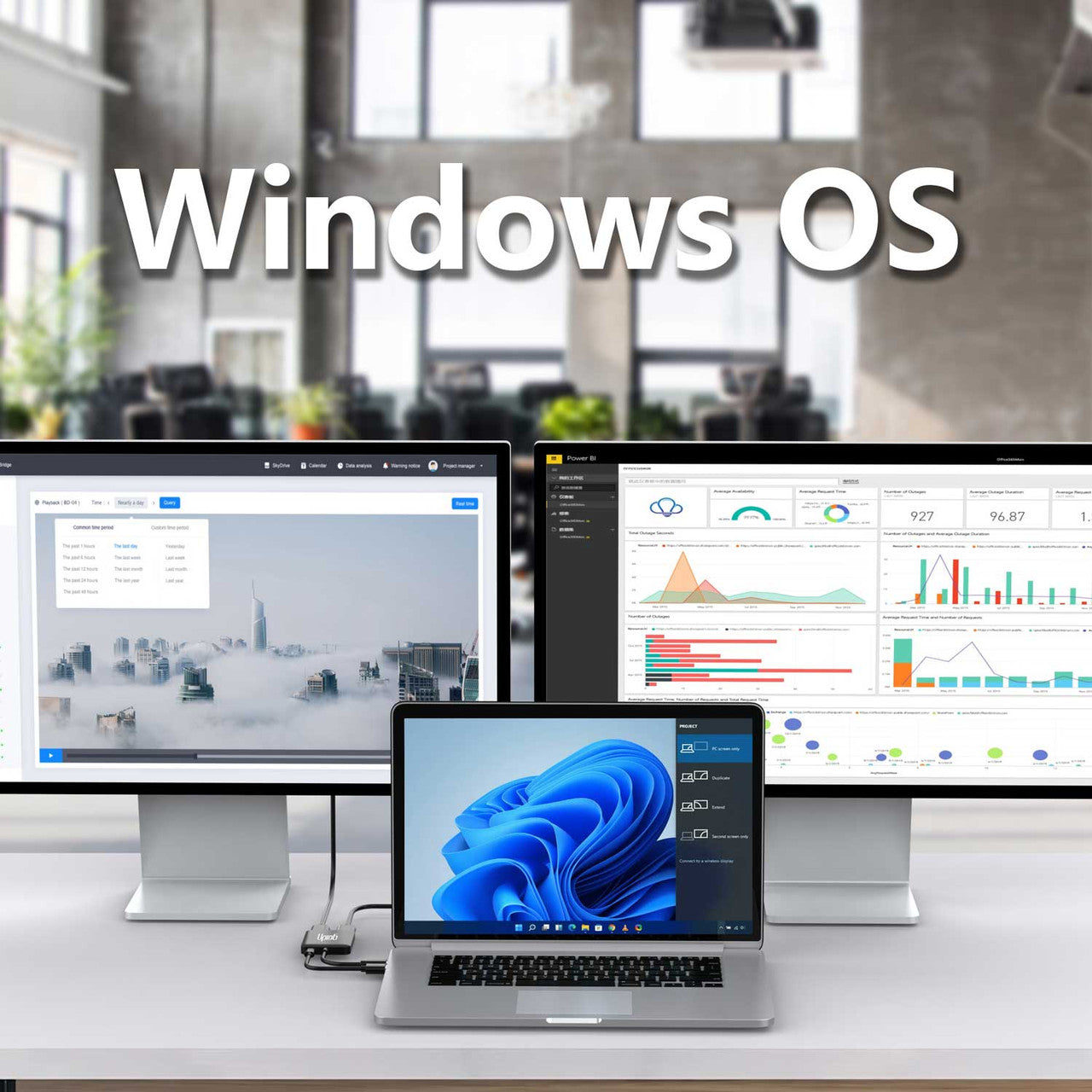
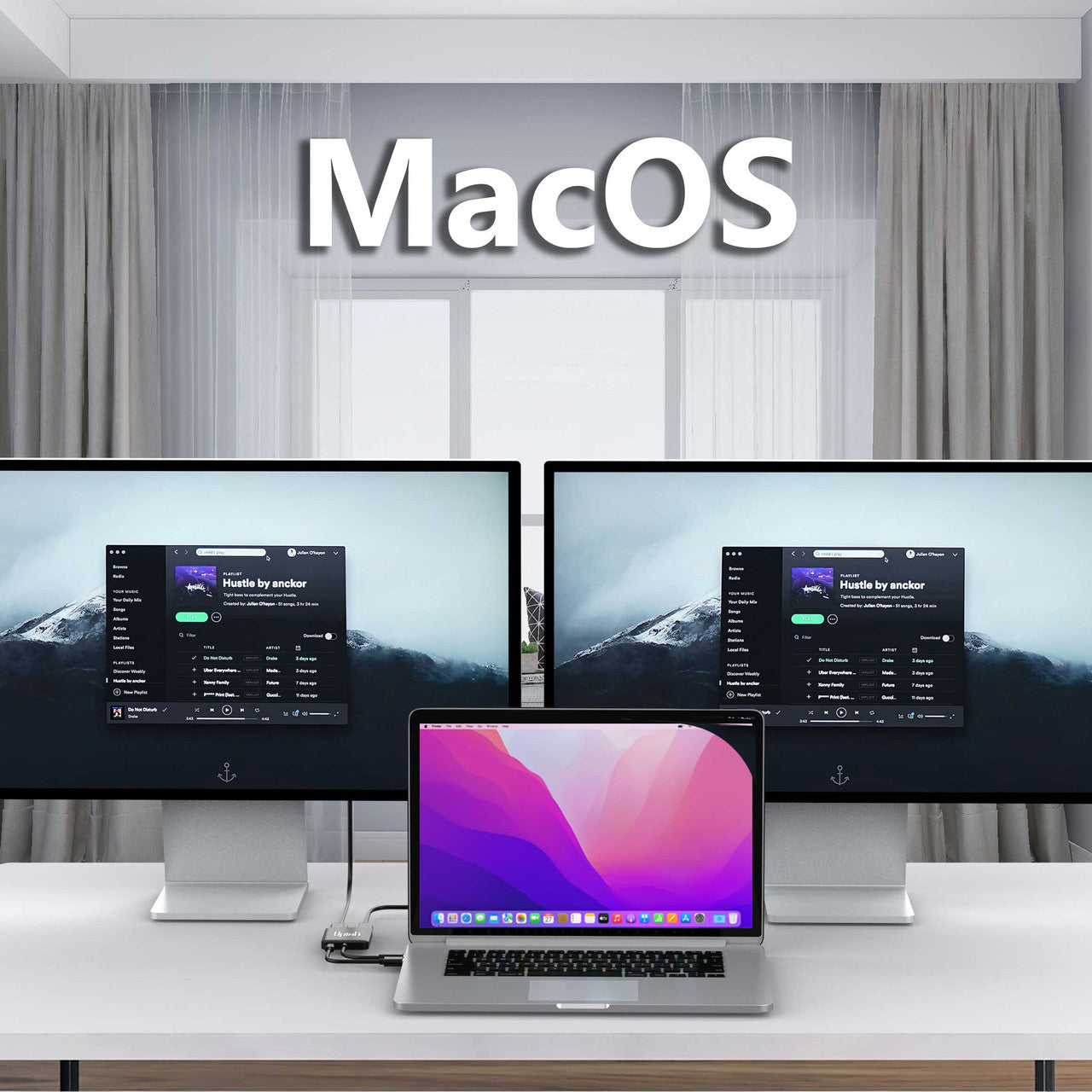
- Support Windows Display Extended and Mirror mode (MST and SST)
- Support macOS Mirror mode (SST)
In The Box:
- 1x UPTab USB-C (Type-C) to 2-Port DisplayPort Adapter.
NO, to transmit video, your USB-C port must support DisplayPort Alt Mode. DP Alt Mode allows USB-C ports to transfer data/video via multiple interfaces, including the DisplayPort video interface. USB-C ports that are able to transfer DisplayPort signals are either called USB-C DisplayPort or DP Alt Mode. The confusion over USB-C DisplayPort arises from the fact that not all USB-C ports feature DisplayPort Alt Mode functionality. As a consequence, a lot of users with devices that feature USB-C ports are entirely unaware of whether or not those ports support DisplayPort over USB-C. The key for these users is to understand how to identify whether their USB-C device supports DisplayPort over USB-C.
- Lightning bolt (Thunderbolt 3) next to the USB-C port? Then you can use this port to charge and to transfer a video signal. That means you can connect a monitor. This port supports DisplayPort Alt Mode.
- D (DisplayPort) next to the USB-C port? Then you can use this port to transfer a video signal. That means you can connect a monitor. This port supports DisplayPort Alt Mode.
- Is there a symbol of a battery next to the USB-C port? Then you can use this port to charge your laptop. This port doesn't support DisplayPort Alt Mode.
Thunderbolt 3 was one of the first to transition to the new USB-C format because of the smaller connector shape that's reversible, so it's easier to plug in. USB-C cables can carry significantly more power, so they can be used to charge larger devices like laptops.
If you have any questions, you are always welcome to contact us. We'll get back to you as soon as possible, within 24 hours on weekdays.
-
Shipping Information
We process and ship most orders the same day. Delivery times vary based on your selected shipping method at checkout. Please ensure your shipping address is accurate to avoid delays.
-
Customer Support
Our team is here to help! For questions or assistance, contact us by email or through our contact form. We’ll get back to you as quickly as possible.
-
FAQ’s
When will my order ship?
Most orders are processed and shipped the same day. Delivery time depends on the shipping option selected at checkout.
What is your return policy?
Items may be returned within 30 days in original packaging with all accessories included. -
Contact Us
Have questions or need help? We’re here for you.
Customer Service available Mon - Fri 9am - 5pm (EST)
Email: cs@uptab.com
Phone: 1 (877) 333-1505
Or use our contact form—we’ll respond promptly.
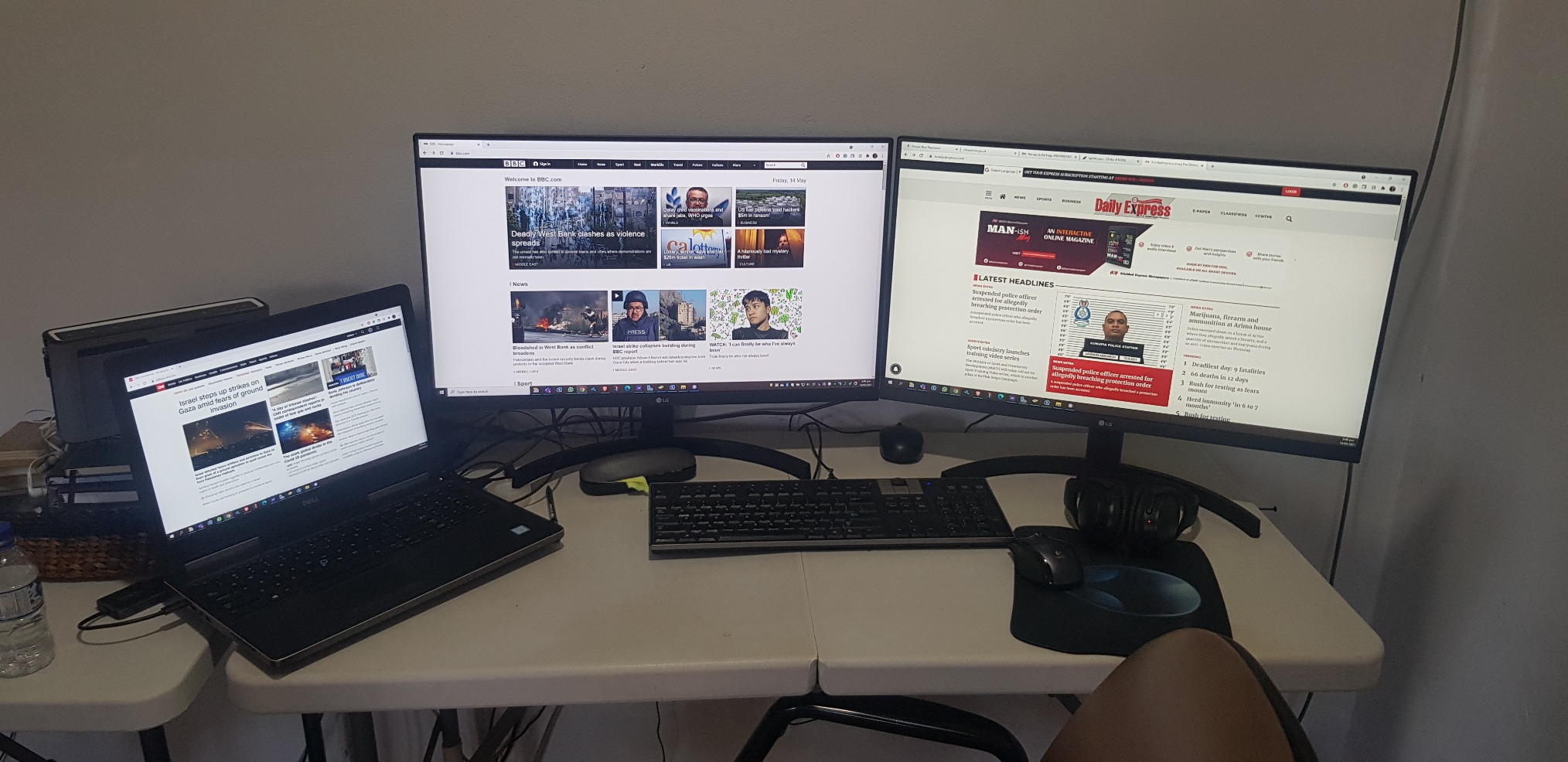
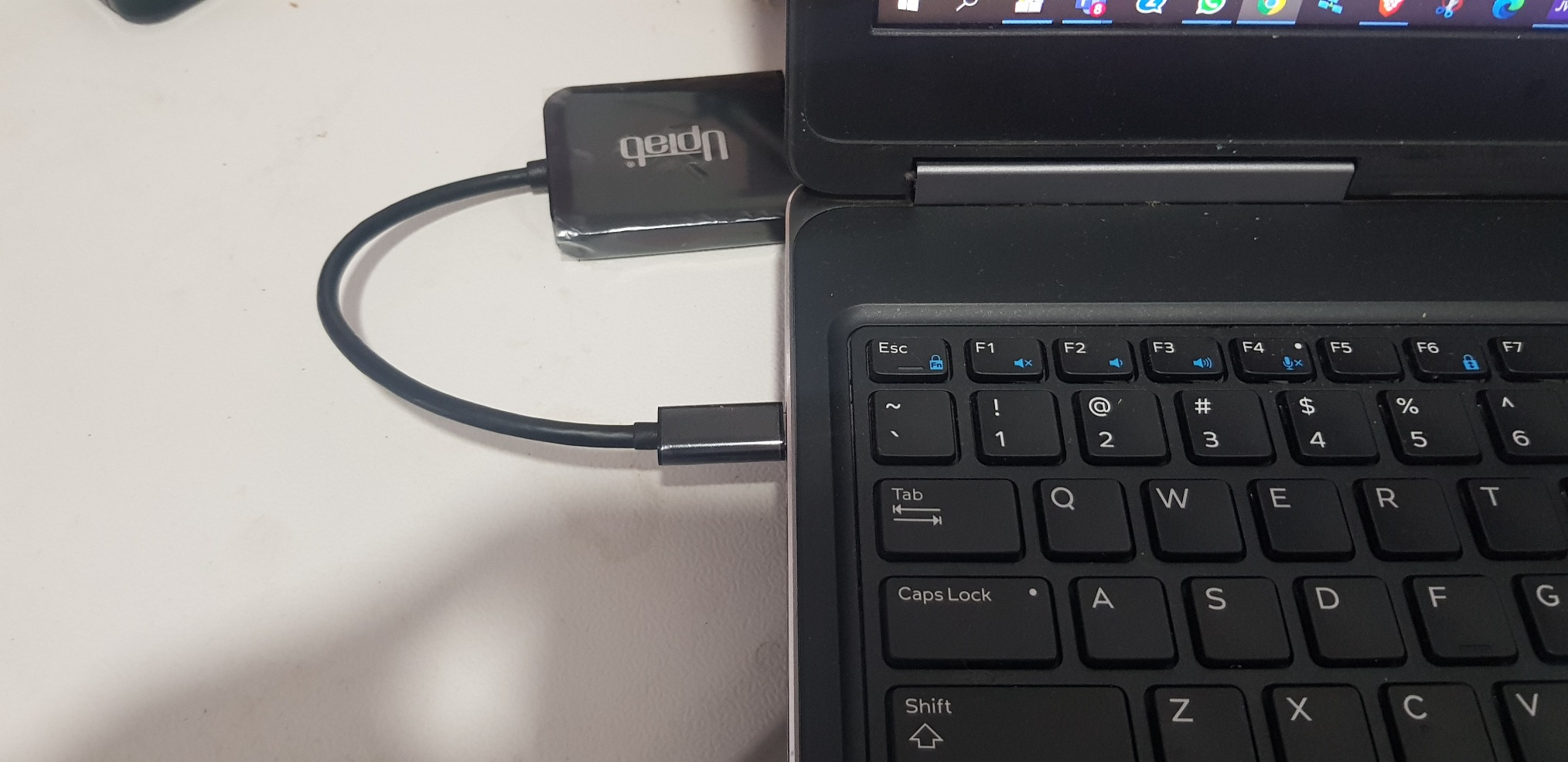
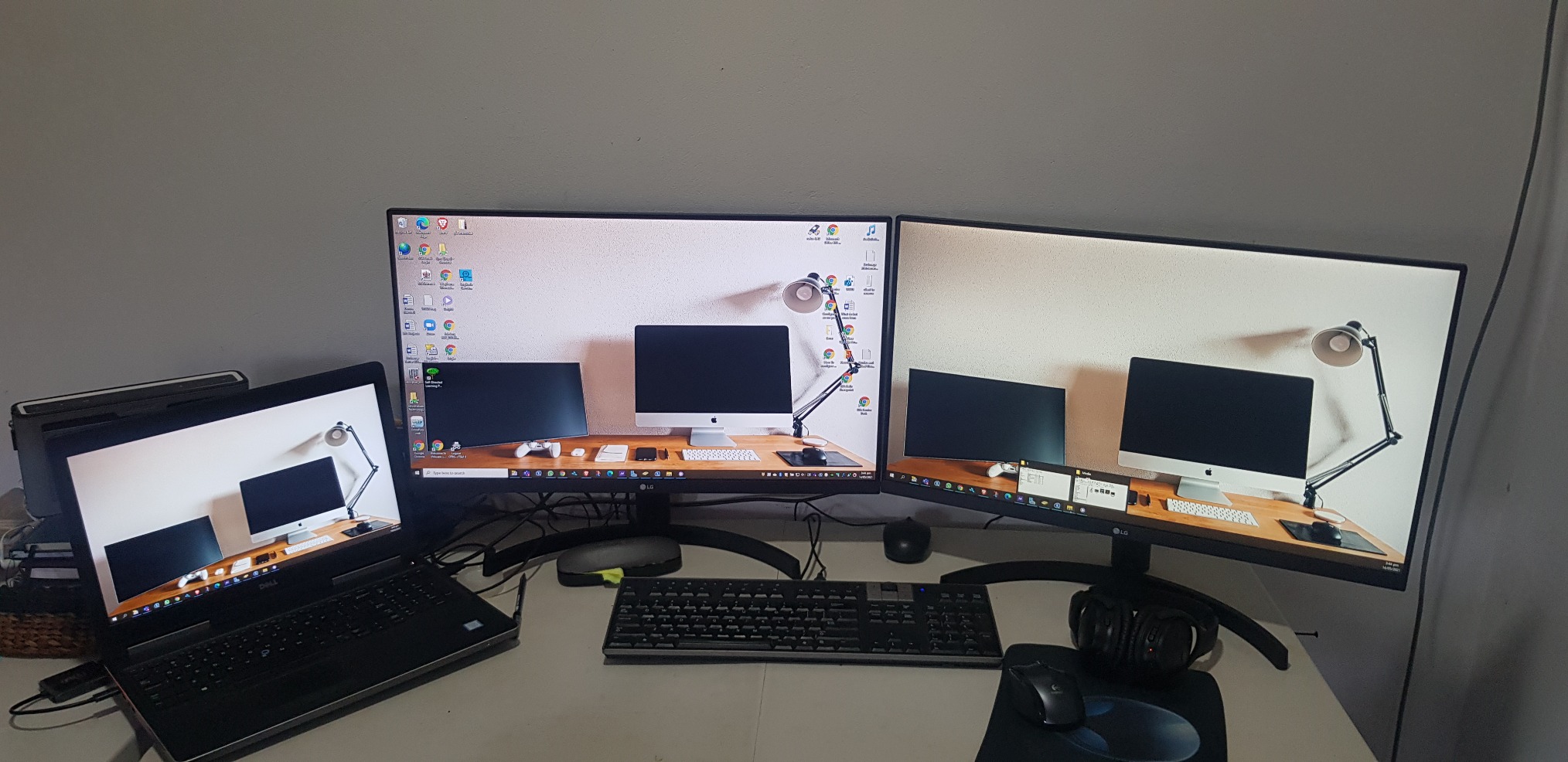
Bought two LG monitor and anted a simple effective way to connect both. UPtab did the job effectively so I did not need the bulky docking station. Will buy or recommend that other buys also. PS NO drivers needed
It works with two 5k monitor

As title says
Almost perfect. Used with Win10 on a Dell Latitude 3510, dual QHD (2560x1440@60Hz) displays for an extended desktop. The Latitude supports DisplayPort Alt-mode over its USB-3.2 type C connector, which is exactly what you require for this device.Laptop mostly used in clamshell mode, device is barely warm pushing 7 Mpixels 8+ hours a day. No problems driving all three displays as extended (9 Mpixels) either. USB tail is a little short though (~18cm).Very cost effective alternative to upgrading to TB3/MST (and saves you the mental trauma of working outwhich feature/port/cable/monitor does what).One rare problem is that Win10 can swap the monitors around, this has only happened once on resume from sleep. The other odd problem is an intermittent event (plus system sound) that originates in the Intel OED sound driver, possibly trying to access (non-existent) audio in the monitors.I'm overdue some driver/firmware updates which might fix these. Or perhaps they are entirely unrelated and just the opaque machinations of the Fine Operating System...
I was worried about capability and quality but it was worked great. I use this to go from a Surface Studio 2 to two external monitors and it works flawlessly.
It is good and doing the job.
Good value and easy to use.
product works as advertised, hooked up two monitors with Display Ports
I went through a whole bunch of these types of adapters to find one that will work with the Intel NUCs.Intel advertises that the NUCs (generations 8 and newer) can support three displays, but gives very little information on how to make that happen. This UPTab USB C to DisplayPort adapter DOES WORK! I now have three displays connected to my 8th generation NUC.If you need to connect to a device using HDMI, you can do that with this adapter too, but you have to use ACTIVE cables, not the simple passive cables that you typically find when searching for DisplayPort to HDMI adapters. Make sure the name contains the word ACTIVE and it should work.
I am using this with a 2020 Macbook Air, an external keyboard, and a 1440p monitor, which is connected to my computer with a USB C to DisplayPort cable.If I have the monitor and the keyboard attached to the splitter, and the power adapter in the other port, the display doesn't work.What fixed the issue was moving the *power* to the USB C input of the splitter, and having the monitor take the other USB C slot.Not a huge deal, but if you run into this issue, that's how I solved it.
Works as advertised.
Screens kept on flickering and then lost signals.
As described.
"DO NOT BUY" Screen flickers..frequent monitor blanks out. Do not waste your money.
Great value!
The adapter would not support higher than 640x480 resolution when connected. Amazon support tried to help but couldn't resolve.I tried Contacting Manufacturer, no response email or phone.
I wish I could return this item. It is somehow not compatible with my Dell. Customer Support has been wildly unhelpful.
I plugged it, tried to download drivers and all sort of items.I know my way around computers and the like - this is a poor device
Did not work with 2 Dell 25" 4K monitors kept flickering back-and-forth, monitors would blank out and screen would lose signal from laptop got very hot was absolute garbage. Maybe i got a bad one???
Did not work - returned.
This was simple to use and word great!
Worked well, then my employed got us docking stations.
Watch out with this product if you are running MacOS. It will not work as you expect and will only mirror both external displays.They'll even charge you a restocking fee for missing the small bullet point about this problem with MacOS. How great is that?
Used it in my car radio to play movies
Cheapest way so far to split two screens off of my USB-C port on my Alienware 17 R3. No issues.
Works perfectly on 3 laptops.
Plug-in and got able to extend to 2 additional monitors.
Nice compact device
It works.
Works as expected.
This is all I get when I attempt to use the Device from a new HP Laptop with i7 Processor connecting to Dell 22 inch Monitors. I have removed all USB drivers and reinstalled. I have also followed many troubleshooting YouTubes. This is not working at all.
This device allowed me to set up a three monitor (laptop screen + 2x Dell 24") workspace. No configuration issues. Two minutes to set up.
Free Shipping Over $50
Same-Day Shipping on Most Orders